
Home Plan: The Full AI Residential Planning Workflow for 2026

Most homeowners say "home plan" and picture a floor plan, but a full home plan is actually a small drawing set: a site plan showing the block, a floor plan of each level, elevations of every facade, and usually a landscape plan tying the garden back to the house. Until recently, producing that set meant paying a drafter for a week of work. AI tools now handle a surprising amount of it in an afternoon, and the AI Renovation home plan workspace is built around that full set rather than one drawing type in isolation.
What belongs in a proper home plan
A home plan in the architectural sense is never a single drawing. It is the coordinated package a builder, a council planner, and a landscape designer all read from the same brief. If you only need the interior layout portion, the existing AI house plan design guide covers that floor-plan-only workflow. This article goes broader, across every drawing type an AI pipeline now produces.
The four drawings you should always plan for are the site plan (how the house sits on the block), the floor plan (internal layout, one per level), elevations (each facade at scale), and a landscape plan. Each answers a different question and catches problems the others miss. An integrated home plan workspace keeps all four coordinated from the same brief.
Stage one: the site plan
The site plan is the drawing most homeowners skip, and it is the one that causes the most expensive surprises. A good site plan shows the block boundaries, orientation to north, setbacks to each boundary, existing trees and services, the footprint of the proposed house, driveway and paths, and a rough indication of where outdoor rooms sit. Tools like the AI blueprint maker can generate a clean site-plan sketch from a simple description of your lot, and that sketch is enough to start reasoning about how the house fits.
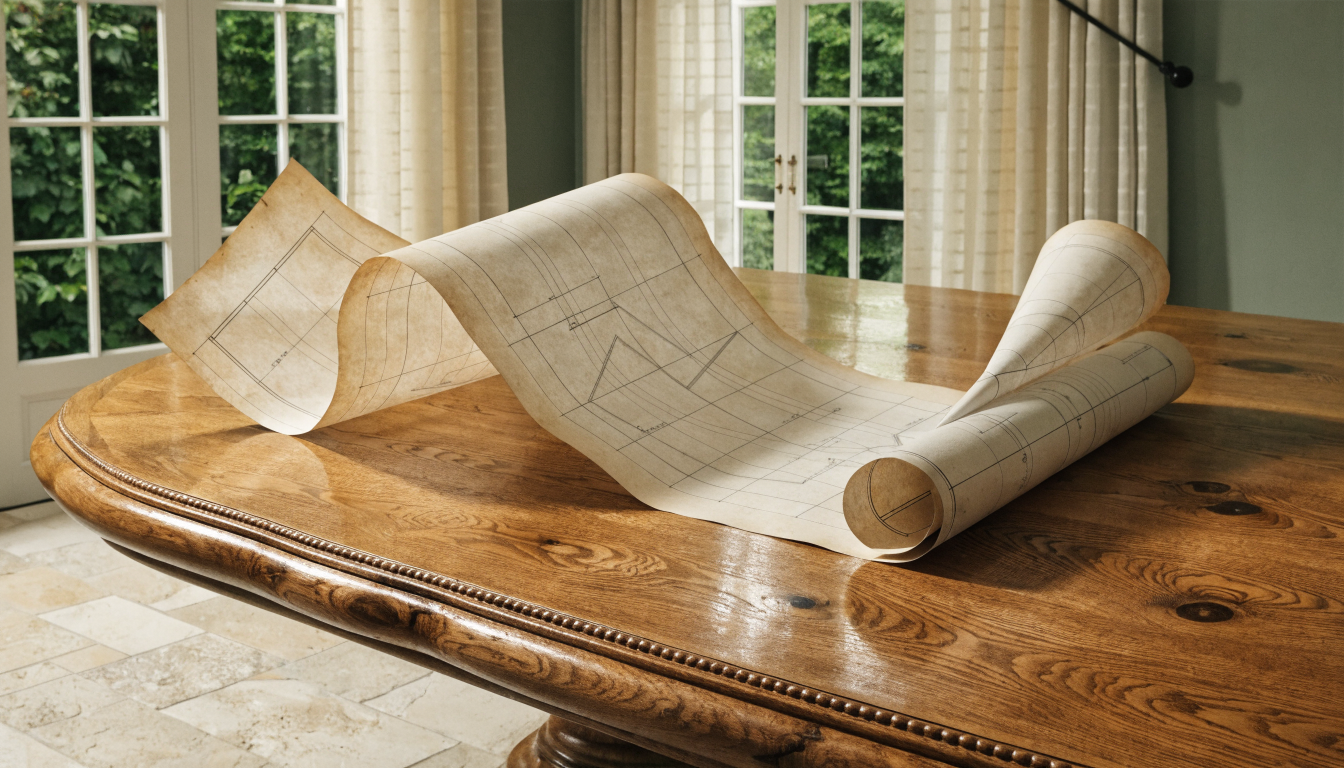A reliable brief includes block dimensions, local setback rules, the street frontage direction, and neighbourly context (a two-storey dwelling to the south changes solar access; a protected tree changes where you can dig). Most blueprint generators are directional rather than certified, but the output is good enough to test two or three orientations on the block before interior layout work starts. That saves the classic mistake of designing a perfect floor plan and then finding the driveway has to cut through the living room.
Stage two: the floor plan
Floor plans are where the most mature AI tooling lives today. Given a clear brief (room count, approximate sizes, adjacencies, circulation preferences) the AI floor plan tool produces five to ten candidate layouts in under a minute, and each one is dimensionally workable. This is the stage homeowners most often enjoy, because options are cheap and revisions are instant.
The trick is to treat the first batch as a scouting pass rather than a final answer. Most people pick the first plan that matches their bedroom count and stop there, which is how identical-looking homes proliferate. A smarter approach is to ask the floor plan AI for three deliberately different strategies (one long-and-thin, one courtyard, one split-level) and then compare them on circulation, privacy, and daylight. You will discover preferences you did not know you had until you saw the alternatives.
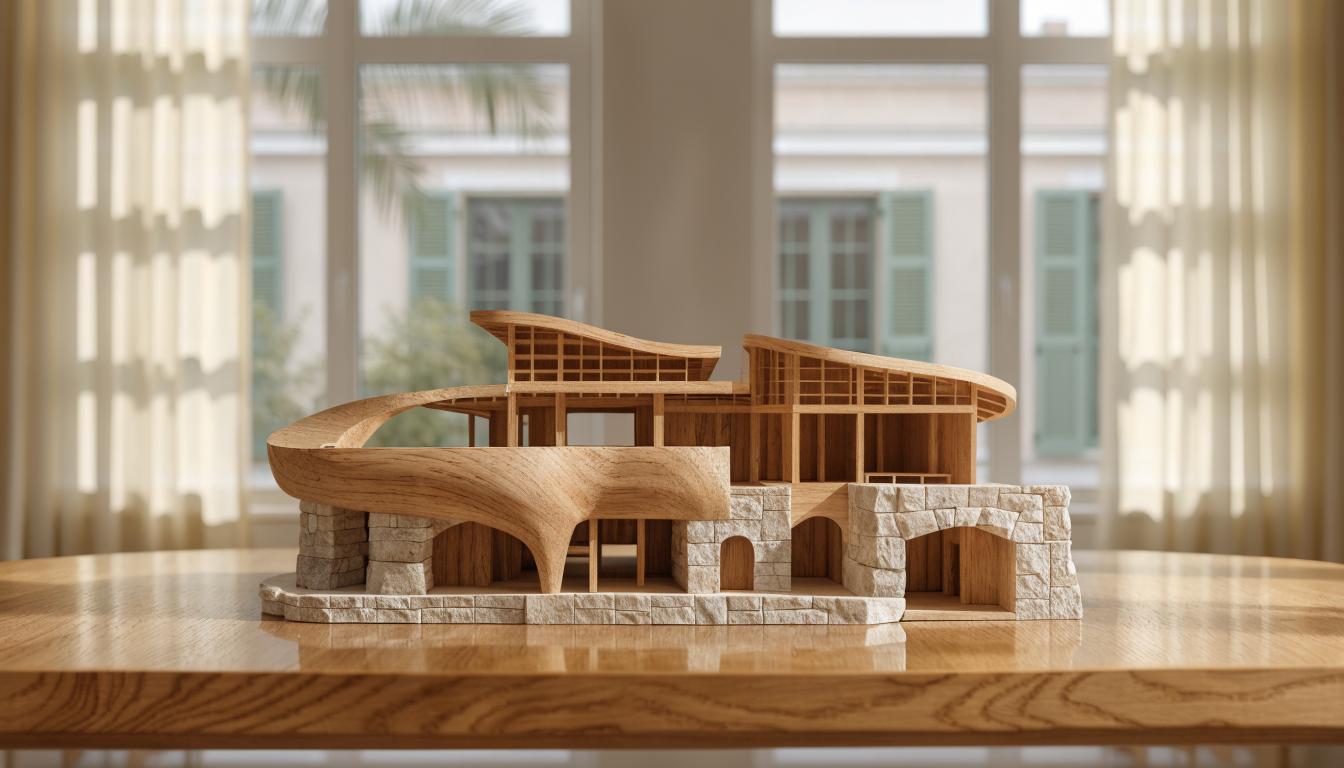Refining the chosen plan is the stage that separates a decent home from a great one. Stretch the kitchen, rotate the primary bedroom, collapse a hallway, and re-generate. A good floor plan editor handles plain-language edits like "move the pantry next to the laundry". Expect twenty to thirty small edits before the plan is ready for elevation work.
Stage three: elevations and facade
Elevations are the scaled drawings of each facade: north, south, east, west. They determine how the house reads from the street and how it relates to its neighbours. For a long time this was the hardest part of home planning to automate, because a facade is as much about proportion and material as about geometry. That has changed in the last eighteen months. An AI architecture design generator can now take your floor plan and a style reference and produce all four elevations in a consistent visual language, complete with window placements that line up between plan and facade.
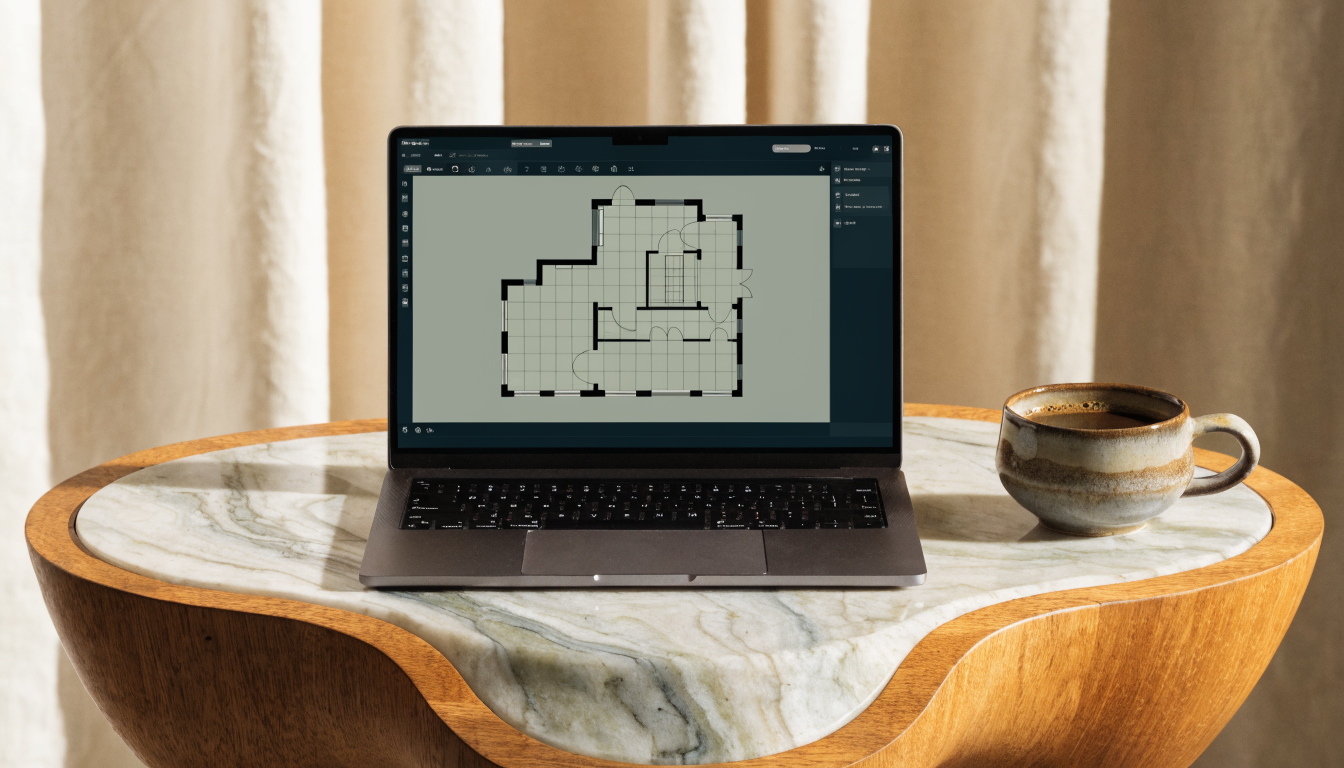What AI still does not do well at elevation stage is material calling. Picking the right brick bond, cladding reveal, or window frame colour is a human judgement. Use the generated elevations from an architecture generator as a frame, overlay three or four material scenarios, and decide by comparison rather than by prompt. Lean on builder advice for anything that touches weathering.
Stage four: landscape and garden plan
The landscape plan is the drawing most projects underfund, and it is the one that decides whether the house feels considered or abandoned to its own footprint. A good garden plan nominates zones (entry, outdoor living, service, screening, productive), indicates canopy and ground-cover planting, and shows the paths and levels that tie those zones back to the floor plan. The AI garden design tool handles this from a brief that mentions climate, sun exposure, and rough maintenance appetite.
Landscape AI has one advantage over other home-plan stages: its outputs are less regulated. A garden plan generator rarely produces something that needs a stamp, so you can iterate freely without a professional review. That makes it the right stage to practise on if you are new to reading drawings. Design your garden three or four times and walk the candidates through your real outdoor space before the house plan locks.
Stage five: 3D visualization across the whole plan
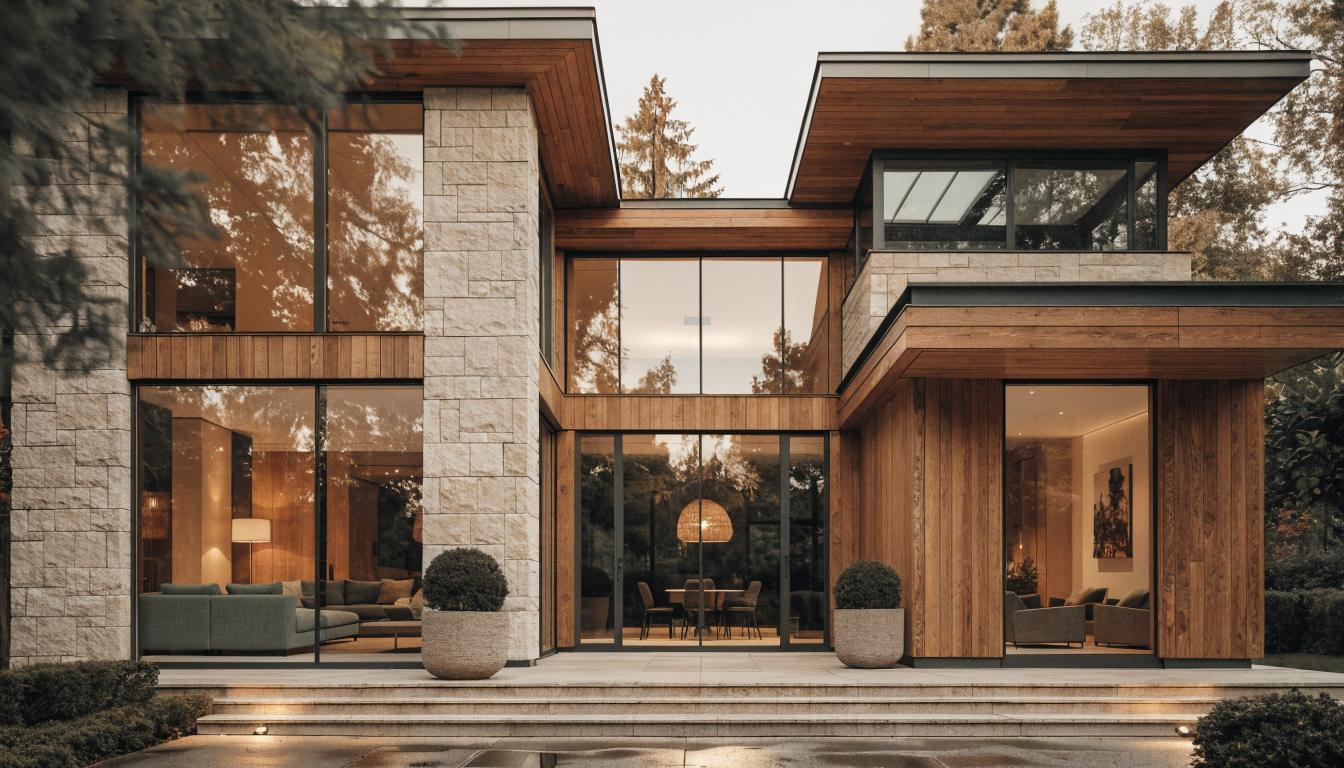
All four drawings above are 2D, and 2D drawings systematically hide problems the eye sees in three dimensions. The classic failures (a staircase landing awkwardly, a window whose sill hits the kitchen bench, a room that feels smaller than its square meters suggest) are all 3D issues. Running the chosen home plan through a 3D layout workspace takes half an hour and catches most of these problems before any wall is framed.
The depth of the visualization matters less than the discipline of doing it. A rough 3D pass exposes circulation failures and proportions; you do not need photoreal rendering for that. A free tool such as the 3D home design tool is enough for the first round. Save the premium, photoreal renderings for the material decisions later, when you already know the underlying plan works in three dimensions.
Handing the plan to a professional
No set of AI-generated drawings is construction-ready. What an AI home plan gives you is a strong design brief for the professional who finalizes documentation. Arriving at your draftsperson with a site plan, a refined floor plan, four elevations, a landscape plan, and a 3D walkthrough compresses the paid design hours dramatically. An AI house design tool turns the professional meeting from "help me design a house" into "help me certify this design".
Frequently asked questions
Is a home plan the same as a floor plan?
No. A home plan is a coordinated drawing set that includes the site plan, each floor plan, every elevation, and usually a landscape plan. A floor plan on its own only shows the internal layout of one level, and it cannot answer questions about setbacks, facade, or garden context.
How long does a full AI home plan workflow take?
Roughly a weekend for a first-draft package. Budget two hours for the brief, three hours for site and floor plans, two hours for elevations, two hours for landscape, and one hour for the 3D review. Much faster than a drafter; slower than first-timers expect.
Can AI produce council-ready home plans?
Not directly. Council submissions require drawings prepared or certified by a licensed professional in most jurisdictions. The AI-generated set is the design brief you hand to that professional, not the submission package itself. Treat the AI output as an input to the permit process, never as the output.
What is the biggest mistake people make with AI home plans?
Falling in love with the first floor plan and skipping the site plan entirely. Without the site plan, setbacks and driveway geometry are not tested, and a plan that looks perfect internally can be unbuildable on the actual block. Always do the site plan first, even as a rough sketch.
Do I need separate tools for each drawing type?
You can use separate specialist tools or an integrated workspace. Specialist tools sometimes produce stronger output for one drawing type, but integrated workspaces carry the brief across all five stages without manual re-entry. Most homeowners save time with the integrated approach, even when individual outputs are marginally weaker.
How much does a full AI-generated home plan cost?
Most consumer tools are priced between free and around forty dollars per month, with unlimited iteration. That is roughly one tenth of the cost of a single draftsperson revision round. The real cost is the final professional review, which is unavoidable but much shorter when the AI draft is already solid.
How detailed should my brief be before I start?
Detailed enough to answer the first five questions any tool asks: block size and orientation, number of bedrooms and bathrooms, approximate total floor area, style direction in one sentence, and budget band. Every additional specific (school-run timing, hobby spaces, accessibility needs) sharpens the output further. Vague briefs produce generic plans.
Can AI handle multi-level home plans?
Yes, though results are strongest for two-storey homes and weaker beyond three levels. The model has seen many examples of two-storey suburban layouts, so it handles stairwell placement and plumbing stacking sensibly. For anything taller than three storeys, expect to treat the AI output as conceptual only and bring in a qualified architect earlier.
Closing
A home plan is not a single drawing but a coordinated set, and the best current workflow runs each drawing type through AI in sequence, then hands the whole package to a qualified professional for certification. Doing the stages in order (site, floor, elevation, landscape, 3D) catches problems while they are still cheap to fix. The AI Renovation home plan suite is built around exactly this sequence, and teams that follow it spend fewer paid design hours and end up with houses that read better on the block they actually sit on.
Ready to get started? Try our AI House Plans, or AI Floor Plan.