
Outdoor Design
AI Garden Design
Plan your garden from a single photo or rough sketch. Generate planting schemes, bed layouts, and seasonal variations in seconds, with no design software required.

— How to use
Three steps,
start to finish.
No CAD training, no mood-boarding rabbit holes. A photo in, a photoreal render out.
01
Upload a photo of your yard
Snap your lawn, empty bed, or side return from eye level. Include the edges of the space so the AI understands the footprint and light direction.
02
Pick a garden style and planting brief
Choose cottage, modern minimalist, drought-tolerant, kitchen garden, or pollinator. Add notes like full sun, clay soil, or low maintenance to steer the planting list.
03
Generate four garden variations
Compare four AI-rendered design concepts side by side. Save your favorite, tweak the planting palette, and export the plant list for your garden center run.
— Pro tips
Better briefs,
better renders.
Six habits that consistently produce sharper, more believable, more useful output.
Tip · 01
Use high-quality photos
Upload sharp images shot at 1024px or larger. Well-lit, in-focus photos produce sharper, more realistic output.
Tip · 02
Lighting matters
Even, natural daylight reads best. Avoid harsh shadows or overly dark corners — the model infers material from light.
Tip · 03
Try multiple styles
Run the same room through two or three directions before locking one. You often discover a look you hadn't imagined.
Tip · 04
Clear the clutter
Minimal clutter lets the model understand room structure. Tidy visible surfaces before you shoot.
Tip · 05
Shoot multiple angles
Generate from the door, from the window, from the corner. The best angle is rarely the first one you try.
Tip · 06
Save and compare
Keep a project for each space. Compare variants side-by-side, share them with contractors, and refine from there.
— Features
Everything you
need, nothing you
don't.
Capabilities designed to move a single decision from guesswork to clarity.
Feature · 01
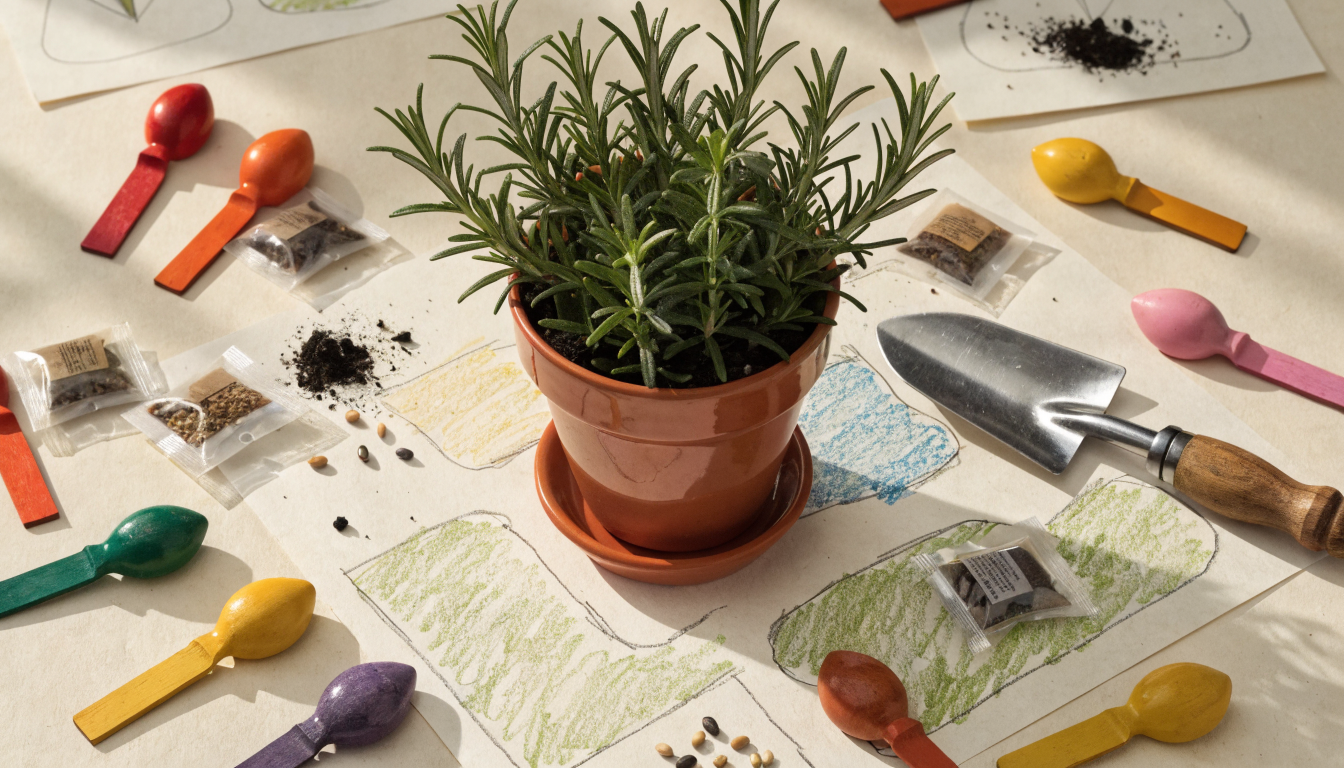
Turn a bare patch into a planted garden in seconds
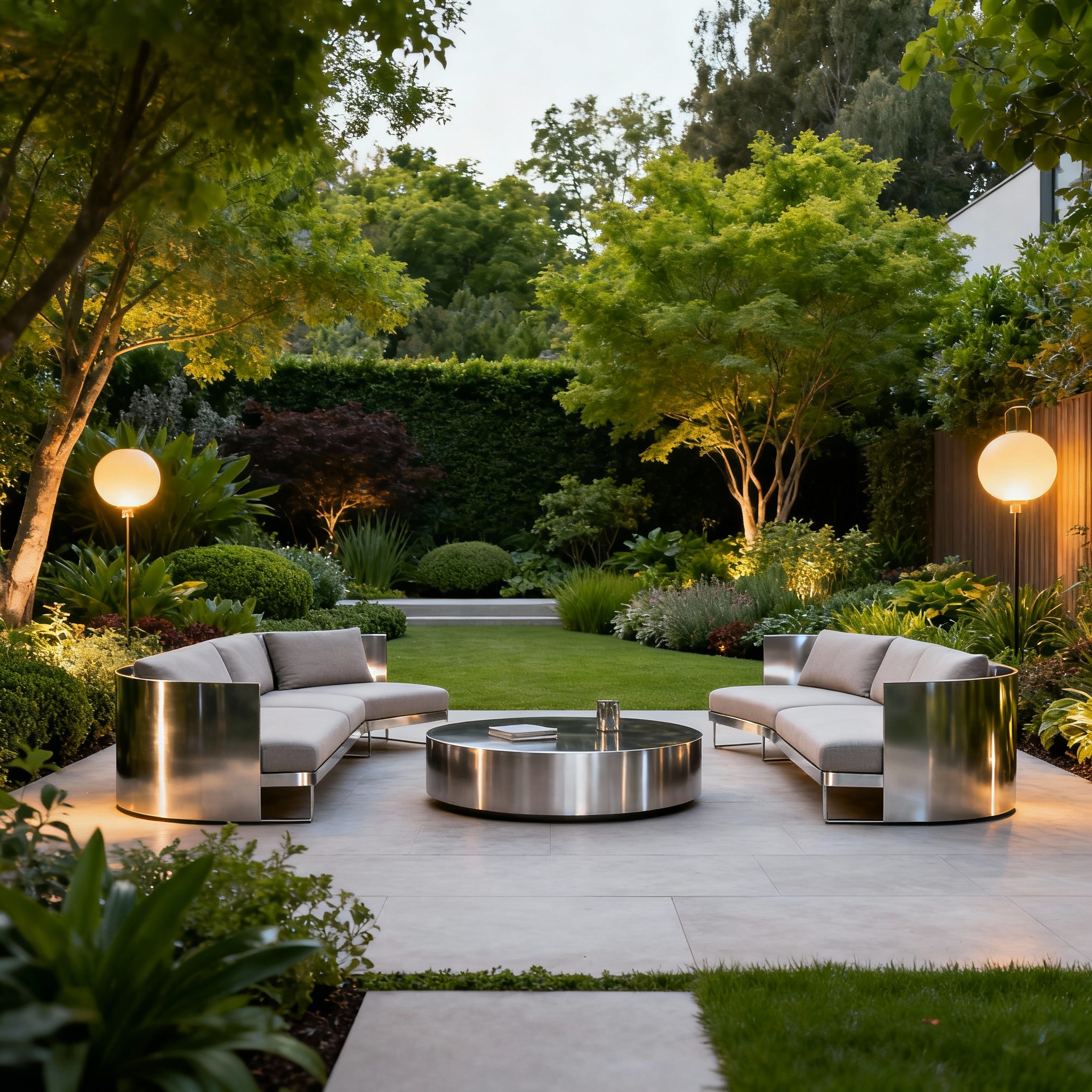
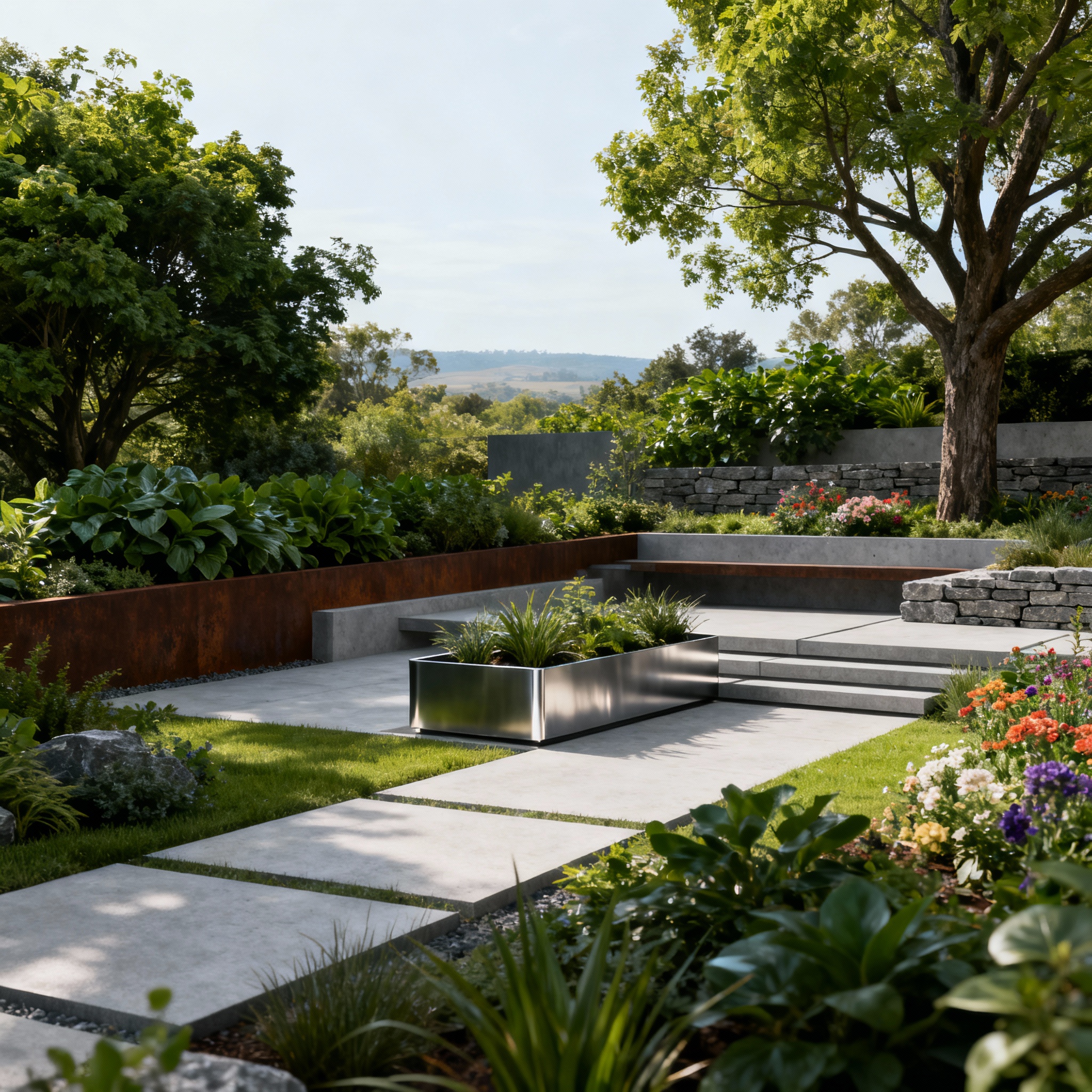
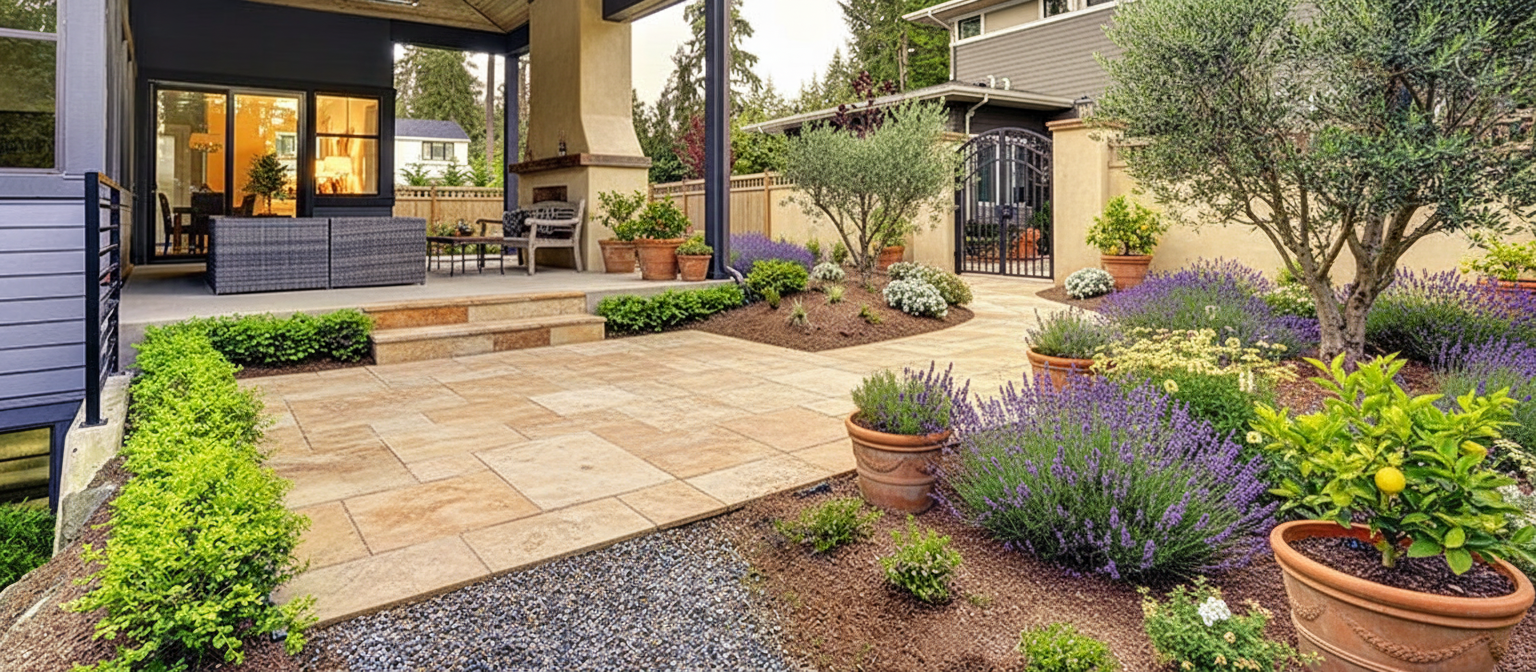
Upload one photo and generate four planting concepts instantly. Useful for anyone stuck at the blank-yard stage or reworking an overgrown bed with the landscape design AI.
Feature · 02
Edit the planting palette with plain-language prompts
Type what you want to change. Swap roses for lavender, add shade-tolerant ferns, or request a drought-friendly palette, and the garden updates without redrawing a single bed in the home redesign workspace.

Feature · 03
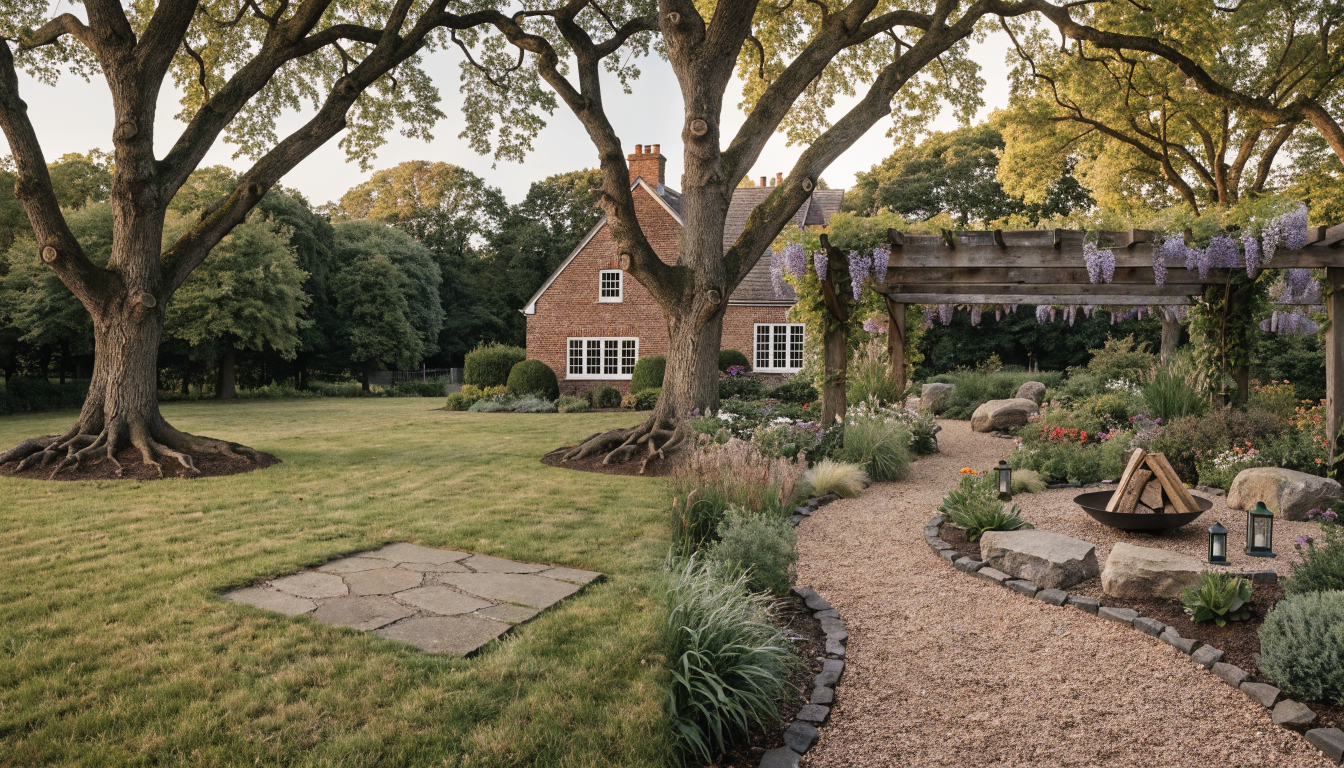
Preview before-and-after transformations
See the empty yard and the finished garden in the same frame. Helpful for selling the vision to a partner, a client, or yourself before buying any plants, paired with the backyard design tool.
Feature · 04
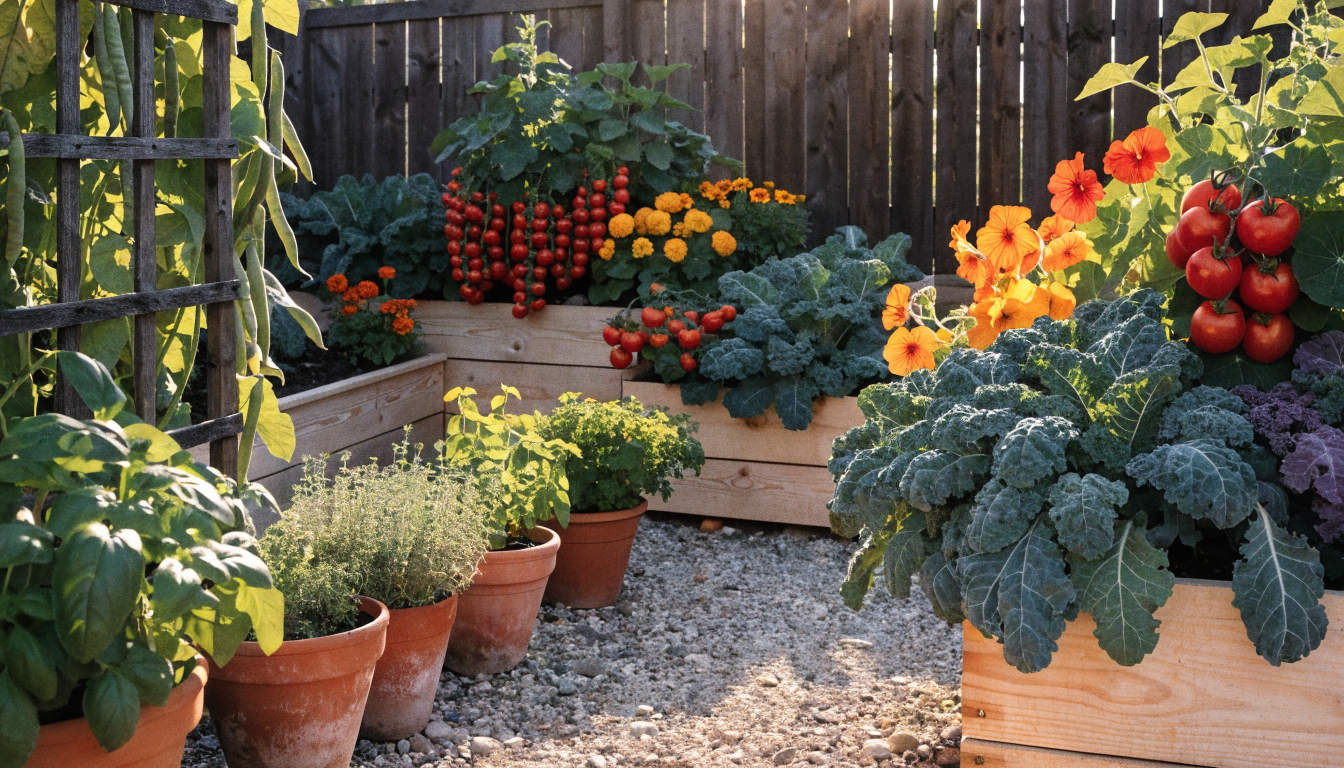
Design kitchen gardens and raised-bed layouts
Plan productive beds with companion planting, succession rotation, and trellising worked in. Built to pair with the backyard transformation tool when you want edible and ornamental zones on one plan.
Feature · 05
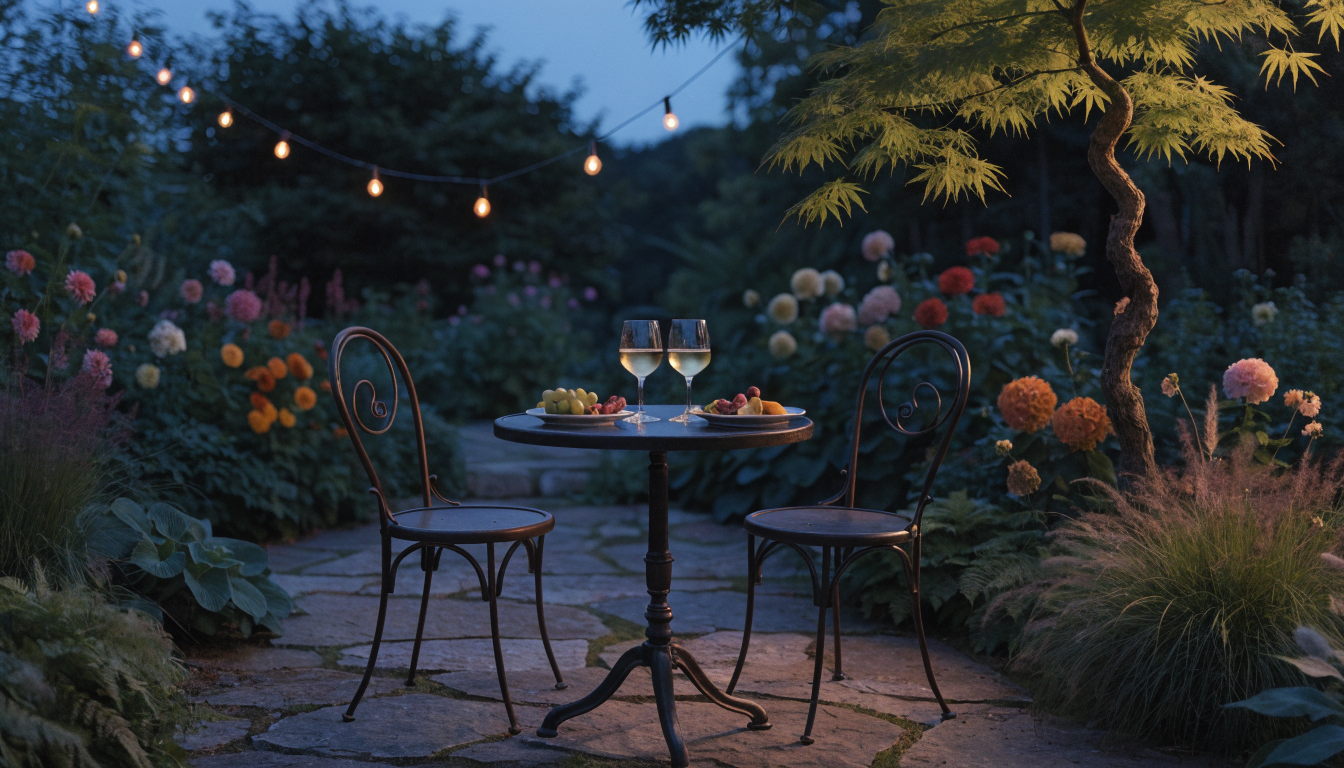
Take the design outside the garden fence
Extend the scheme to the patio, seating area, or front path so planting, hardscape, and curb appeal read as one project. Perfect for pairing garden work with the curb appeal tool or exploring ideas from our landscaping ideas guide.
— FAQ
AI Garden Design,
answered.
Updated April 2026
It is a tool that generates garden concepts from a photo of your space and a short brief. Instead of sketching beds or hiring a designer upfront, you upload the yard, describe the style you want, and receive a rendered garden layout with a suggested planting list in under a minute.
Yes, if you tell it your climate. Mention your USDA zone, sun exposure, and soil type in the brief. The AI adjusts the plant palette toward species that survive in those conditions and flags anything that needs protection or specific aftercare.
No. The workflow is photo plus text. Most first-time users get a workable concept on the first generation by describing the style they want in one sentence. Refining the layout uses plain-language prompts, not design software.
Every generated garden includes a plant list with common and botanical names, rough quantities per bed, and spacing guidance. Take that list to a local nursery, or use it as the brief when ordering from an online plant supplier.
Both. Pick cottage or pollinator for flowering ornamental schemes, or kitchen garden for raised beds with vegetables, herbs, and companion flowers. You can also blend the two by requesting an edible border around a flower bed.
A landscape design tool covers the whole site including hardscape, paths, lawns, and structures. A garden design tool focuses on the planted zones: beds, borders, raised planters, and containers. Use one for the site, the other for the planting inside it.
Use it as a design brief. The plant list, bed shapes, and proportions are accurate starting points, but verify local planting rules, irrigation needs, and plant availability with your nursery or a licensed landscape professional before installing.
AI Garden Design
is a render away.
Start for free — no card, no commitment. See your space the way it could be, before you commit to the way it will be.
Try AI Garden Design free →Available on the App Store — Android coming soon.
Free trial
See your space