
Home Design
AI Blueprint Maker
Generate architect-quality blueprints from a text brief in minutes. Iterate in 2D, preview in 3D, and export builder-ready plans without opening CAD.

— How to use
Three steps,
start to finish.
No CAD training, no mood-boarding rabbit holes. A photo in, a photoreal render out.
01
Describe your house brief
Type in lot size, number of bedrooms, orientation, budget range, and any must-have rooms. The clearer the brief, the cleaner the first pass.
02
Generate five blueprint variations
The AI produces five floor-plan options tailored to your brief in under a minute. Compare them side by side and pick two to refine further.
03
Refine, preview in 3D, export
Edit rooms and walls with plain-language prompts, preview the result in 3D, and download the final plan as PDF or DWG for your builder.
— Pro tips
Better briefs,
better renders.
Six habits that consistently produce sharper, more believable, more useful output.
Tip · 01
Use high-quality photos
Upload sharp images shot at 1024px or larger. Well-lit, in-focus photos produce sharper, more realistic output.
Tip · 02
Lighting matters
Even, natural daylight reads best. Avoid harsh shadows or overly dark corners — the model infers material from light.
Tip · 03
Try multiple styles
Run the same room through two or three directions before locking one. You often discover a look you hadn't imagined.
Tip · 04
Clear the clutter
Minimal clutter lets the model understand room structure. Tidy visible surfaces before you shoot.
Tip · 05
Shoot multiple angles
Generate from the door, from the window, from the corner. The best angle is rarely the first one you try.
Tip · 06
Save and compare
Keep a project for each space. Compare variants side-by-side, share them with contractors, and refine from there.
— Features
Everything you
need, nothing you
don't.
Capabilities designed to move a single decision from guesswork to clarity.
Feature · 01
Generate plans from a one-paragraph brief
Skip the blank-page problem. Describe your site, your occupants, and your priorities, and the AI architecture generator produces five blueprint variations in under a minute.

Feature · 02
Refine with natural-language edits
Instead of redrawing walls, type what you want. Prompts like 'make the kitchen larger and move the pantry next to the laundry' apply instantly across the plan in the home redesign workspace.
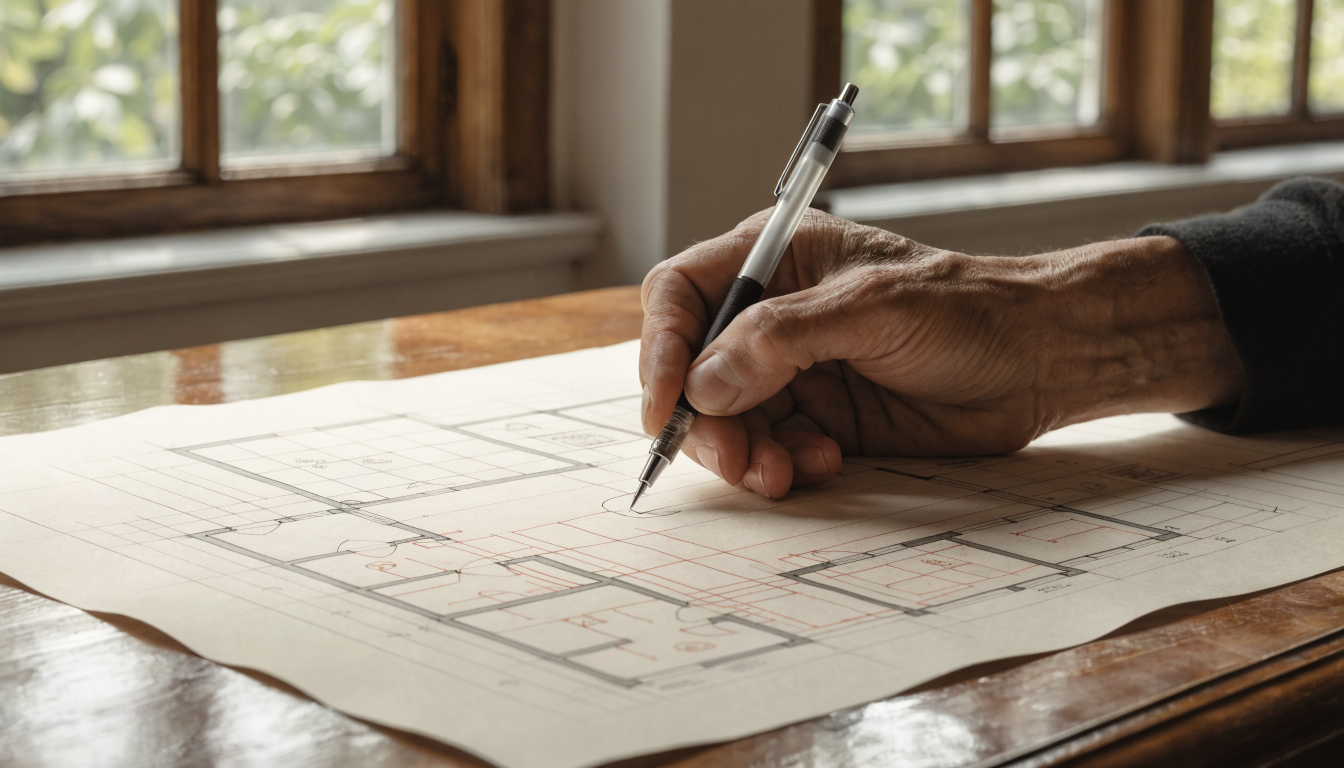
Feature · 03
Preview every plan in 3D
Flip from 2D to a walkable 3D view in one click with the 3D layout tool. See how rooms read in three dimensions before you commit, and catch layout mistakes that paper never shows.
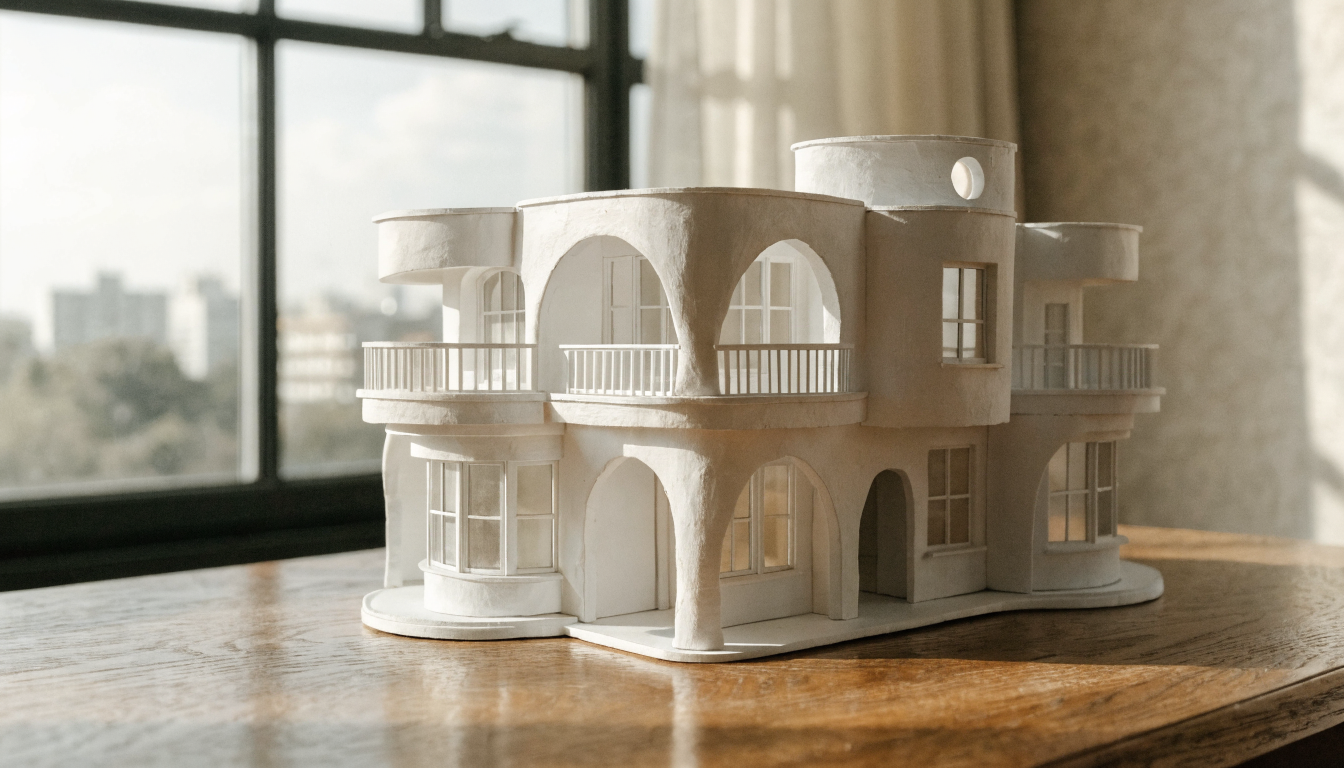
Feature · 04
Export builder-ready file formats
Download blueprints as PDF for quick review or DWG for draftspeople and builders. Every export from the floor plan AI includes dimensions, scale, and a title block.
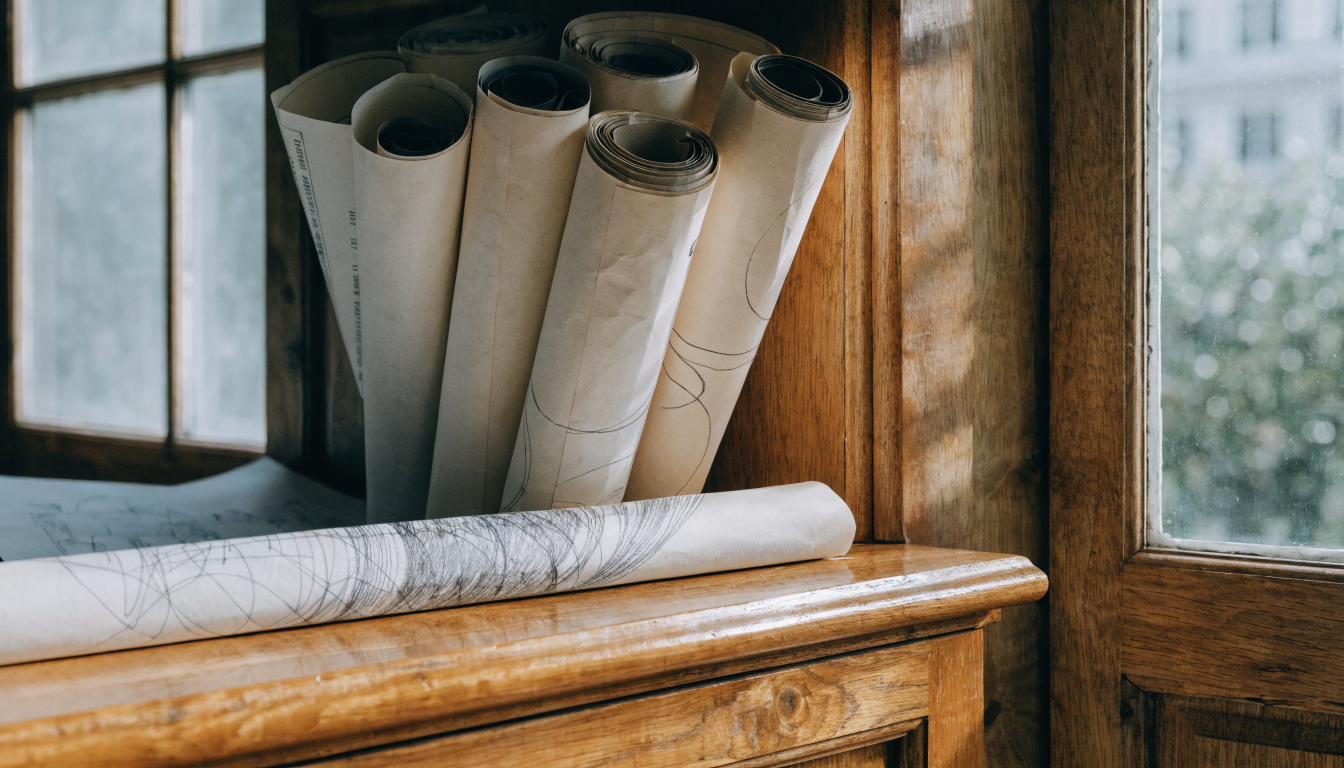
Feature · 05
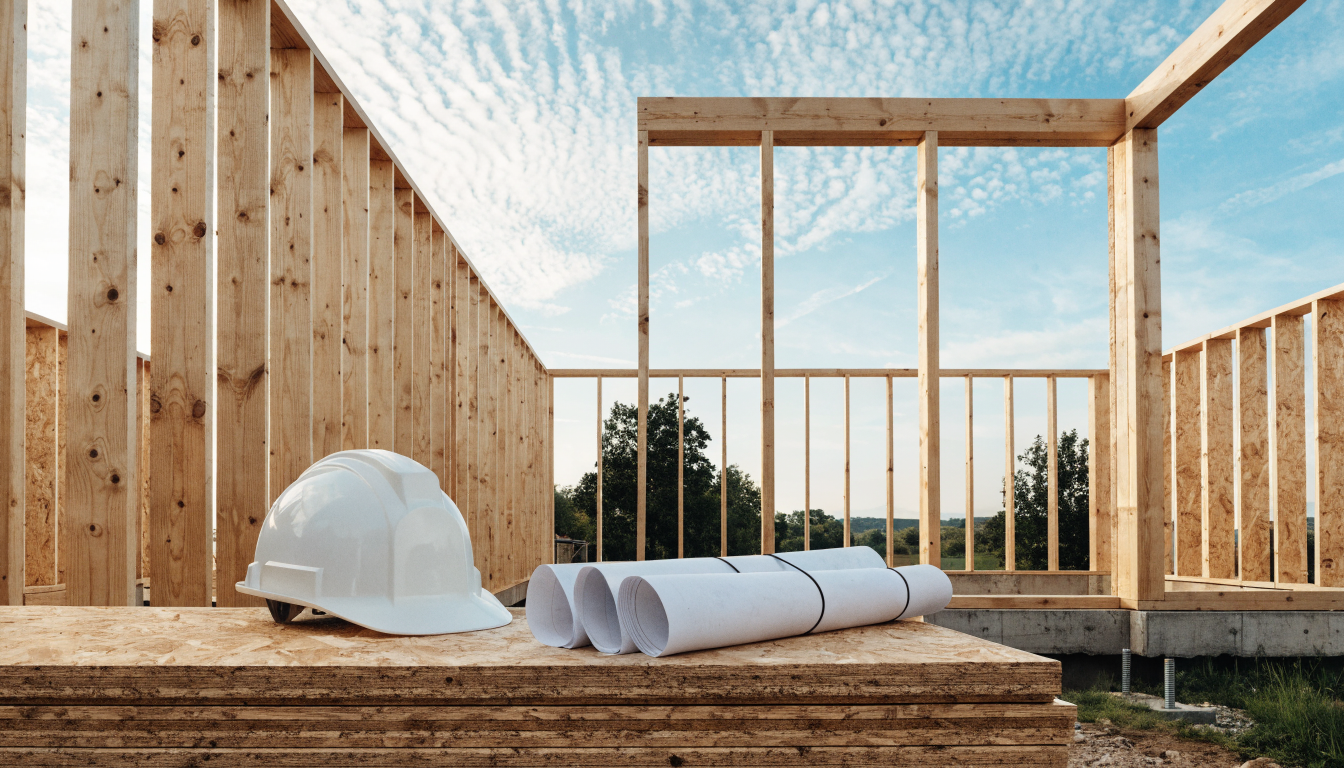
Iterate before hiring a professional
Save your best five variations, annotate them, and hand them to your architect or draftsperson as the design brief for a stamped plan. See the full workflow in our AI house plan design guide.
— FAQ
AI Blueprint Maker,
answered.
Updated April 2026
An AI blueprint maker produces residential floor plans from a text brief. Instead of drawing walls in CAD, you describe the house you want and the tool generates candidate layouts in seconds.
Not directly. AI blueprints are a design brief, not a certified submission. Most councils require drawings prepared or certified by a licensed architect or draftsperson. Use the AI output as the starting point for your professional.
Dimensionally accurate if the input brief is accurate. The AI honors the site and room sizes you specify, but it does not automatically check local setback rules, fire regulations, or structural requirements. Always verify before building.
No. The entire workflow is text and click. You describe the house, review the candidates, and refine with plain-language edits. No drawing, drafting, or CAD skills required.
PDF for quick review and sharing, DWG for draftspeople and builders who need to open the plan in AutoCAD or equivalent. Dimensions, scale, and a title block are included in every export.
A floor plan generator produces the 2D room-by-room layout. A blueprint maker covers the full package: layout, elevations, dimensions, and builder-ready exports. You will often use one, then progress to the other.
Yes. Refine with natural-language prompts (move the pantry, enlarge the kitchen) or edit walls and rooms directly on the plan. Every revision is saved so you can compare iterations.


AI Blueprint Maker
is a render away.
Start for free — no card, no commitment. See your space the way it could be, before you commit to the way it will be.
Try AI Blueprint Maker free →Available on the App Store — Android coming soon.
Free trial
See your space