
Photo Enhancement
AI For Home
Discover the potential of AI for home transformations with Renovate AI, turning your space into stunning visualizations quickly and effortlessly.

— How to use
Three steps,
start to finish.
No CAD training, no mood-boarding rabbit holes. A photo in, a photoreal render out.
01
Capture Your Space
Take a clear photo of the space you want to enhance. Ensure good lighting and minimal clutter for the best results.
02
Upload and Select Features
Upload your photo to Renovate AI and choose the enhancements you wish to apply, like virtual staging or wall paint previews.
03
Review and Share
Review the AI-generated visualizations and share them with friends, designers, or clients for feedback.
— Pro tips
Better briefs,
better renders.
Six habits that consistently produce sharper, more believable, more useful output.
Tip · 01
Use high-quality photos
Upload sharp images shot at 1024px or larger. Well-lit, in-focus photos produce sharper, more realistic output.
Tip · 02
Lighting matters
Even, natural daylight reads best. Avoid harsh shadows or overly dark corners — the model infers material from light.
Tip · 03
Try multiple styles
Run the same room through two or three directions before locking one. You often discover a look you hadn't imagined.
Tip · 04
Clear the clutter
Minimal clutter lets the model understand room structure. Tidy visible surfaces before you shoot.
Tip · 05
Shoot multiple angles
Generate from the door, from the window, from the corner. The best angle is rarely the first one you try.
Tip · 06
Save and compare
Keep a project for each space. Compare variants side-by-side, share them with contractors, and refine from there.
— Features
Everything you
need, nothing you
don't.
Capabilities designed to move a single decision from guesswork to clarity.
Feature · 01
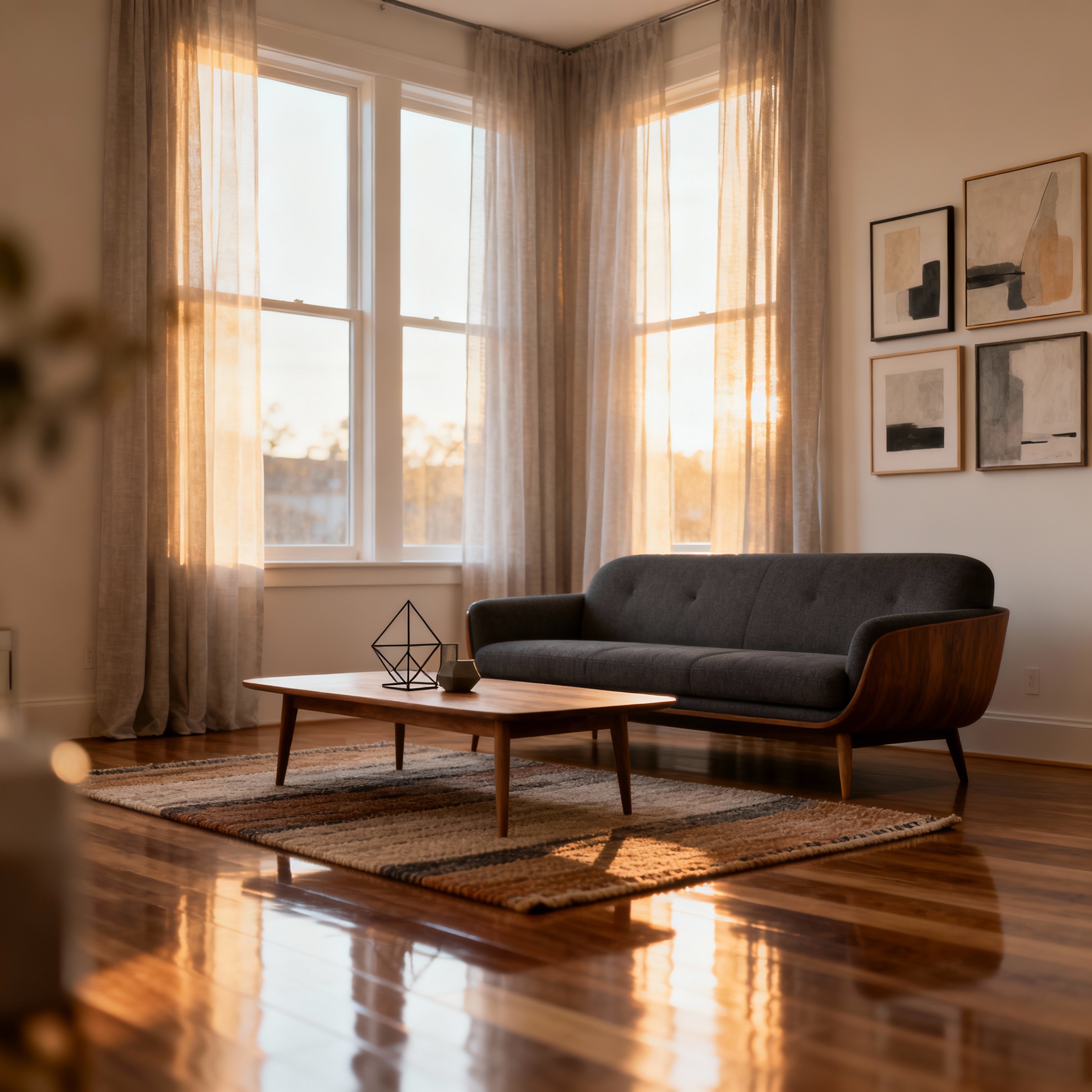
Virtual Staging
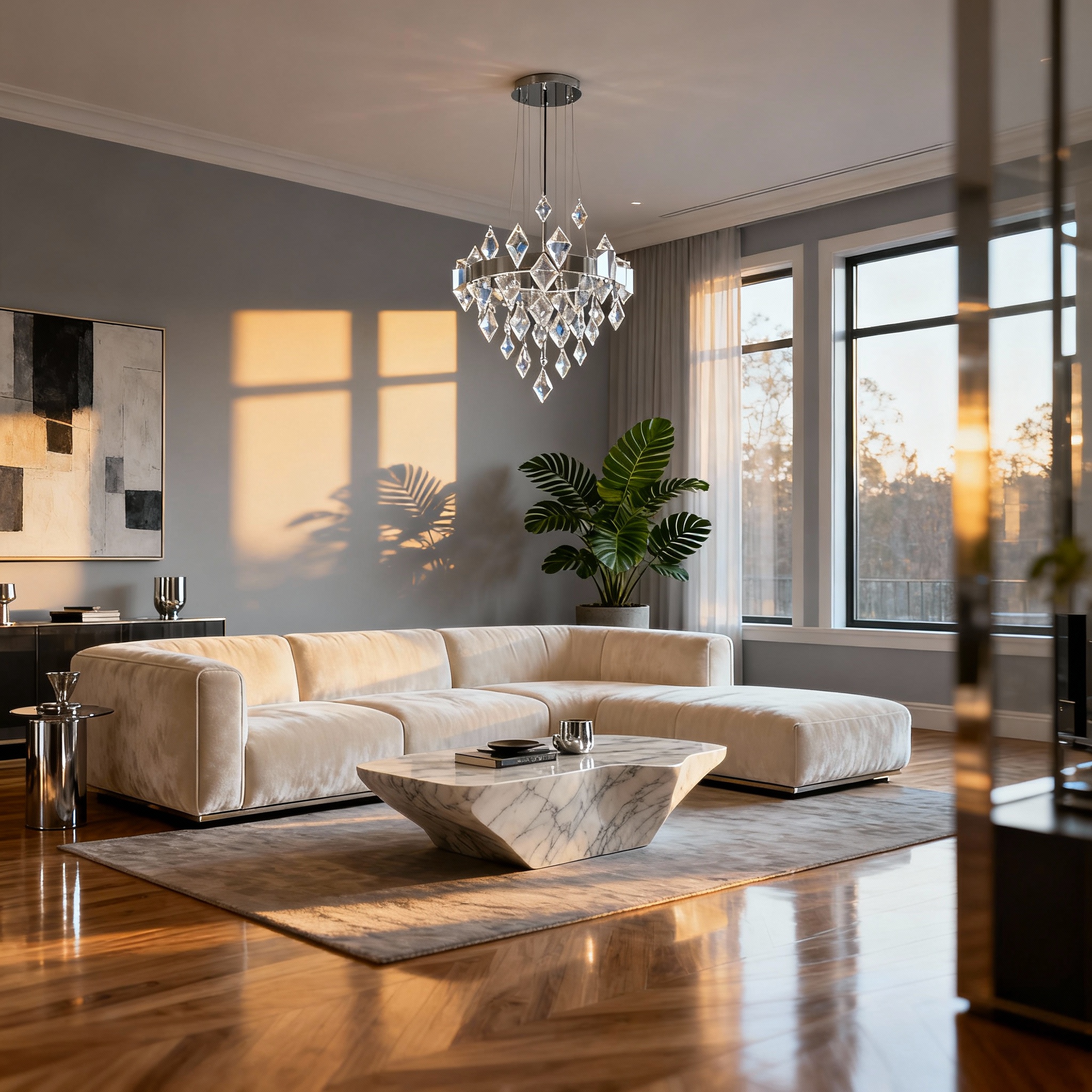
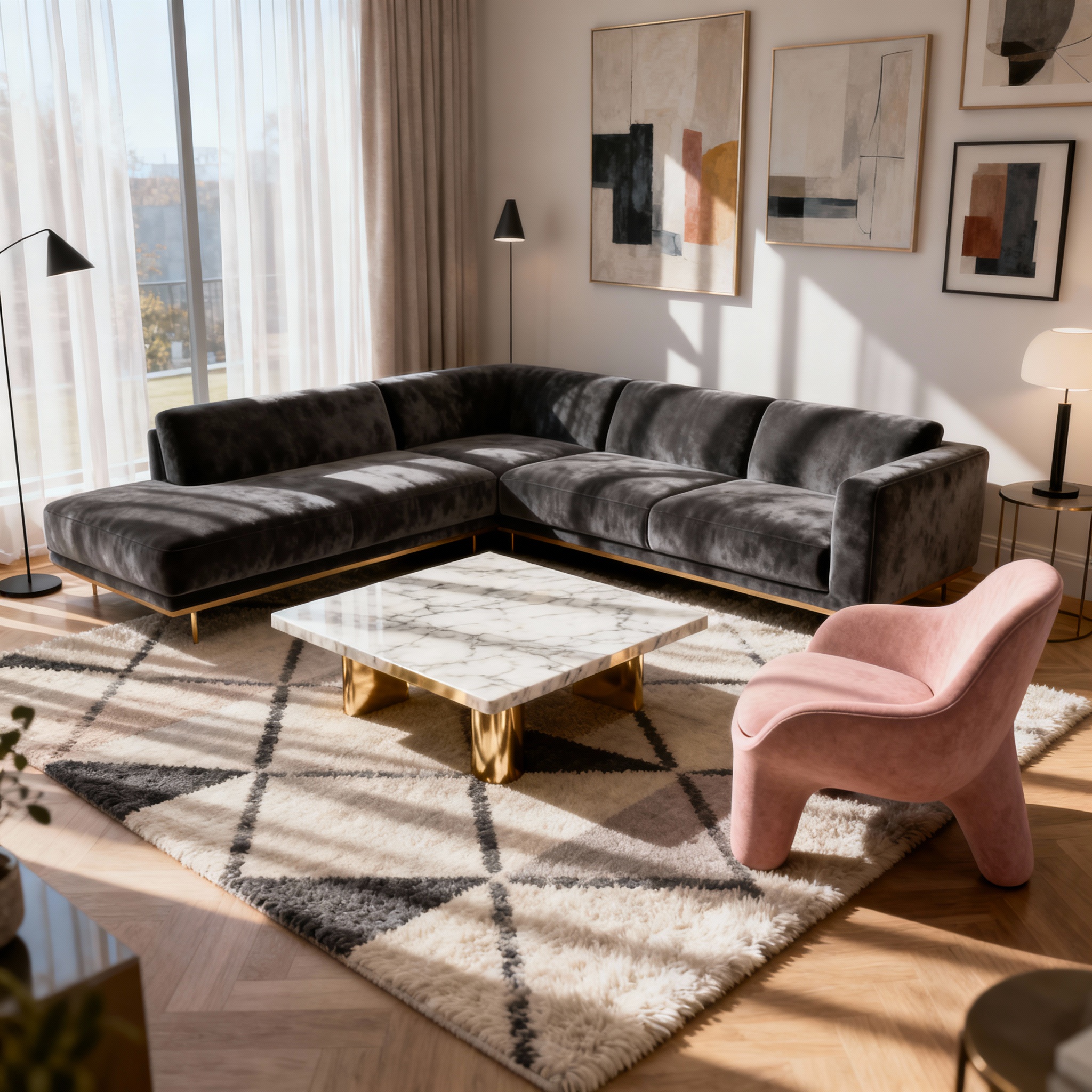
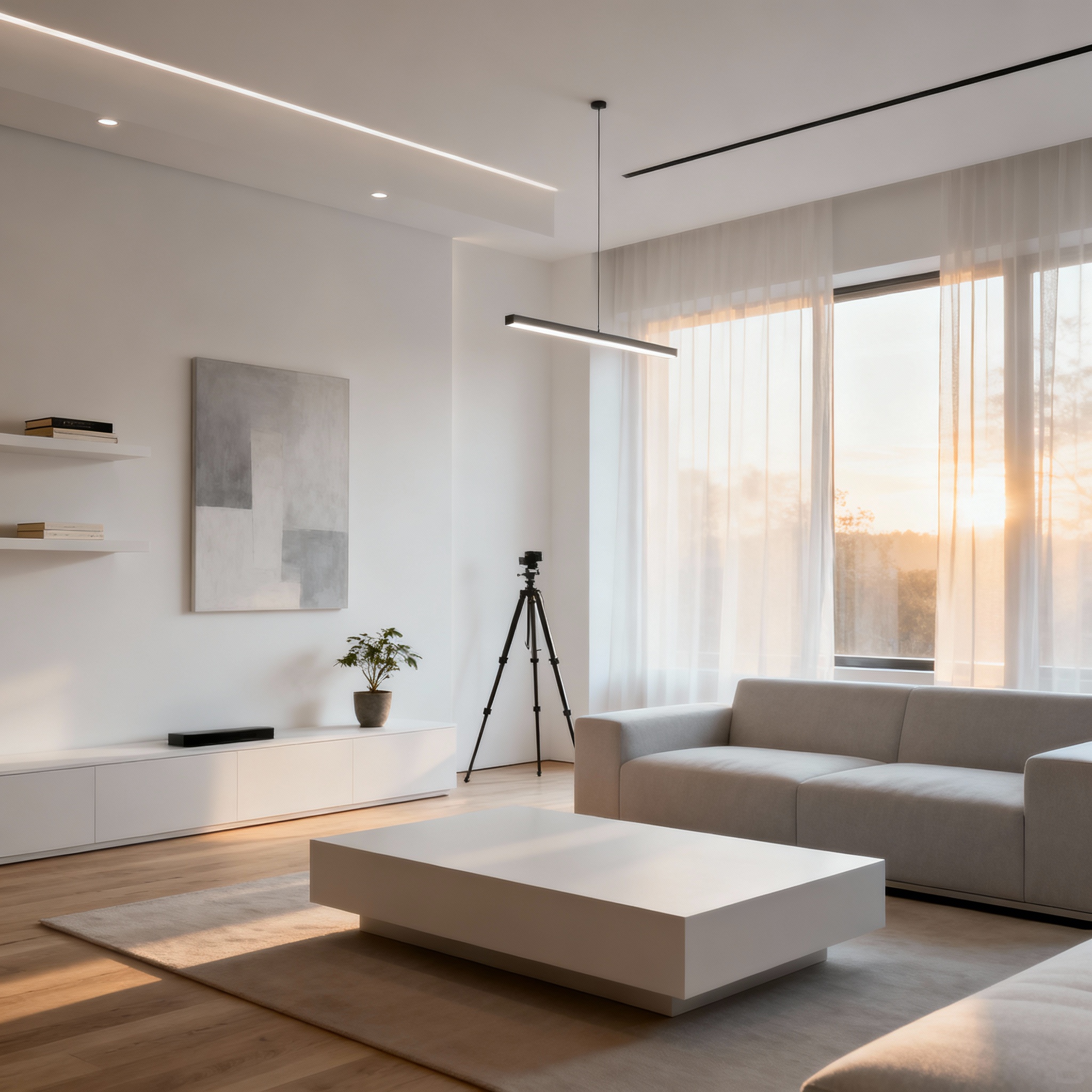
Renovate AI's Virtual Staging feature, part of the AI For Home suite, allows you to transform empty rooms into beautifully furnished spaces, providing a realistic preview of a home's potential. Perfect for real estate presentations or personal planning, it helps you visualize how different furniture arrangements and styles can enhance any area, ensuring informed and inspired decision-making for your space.
Feature · 02
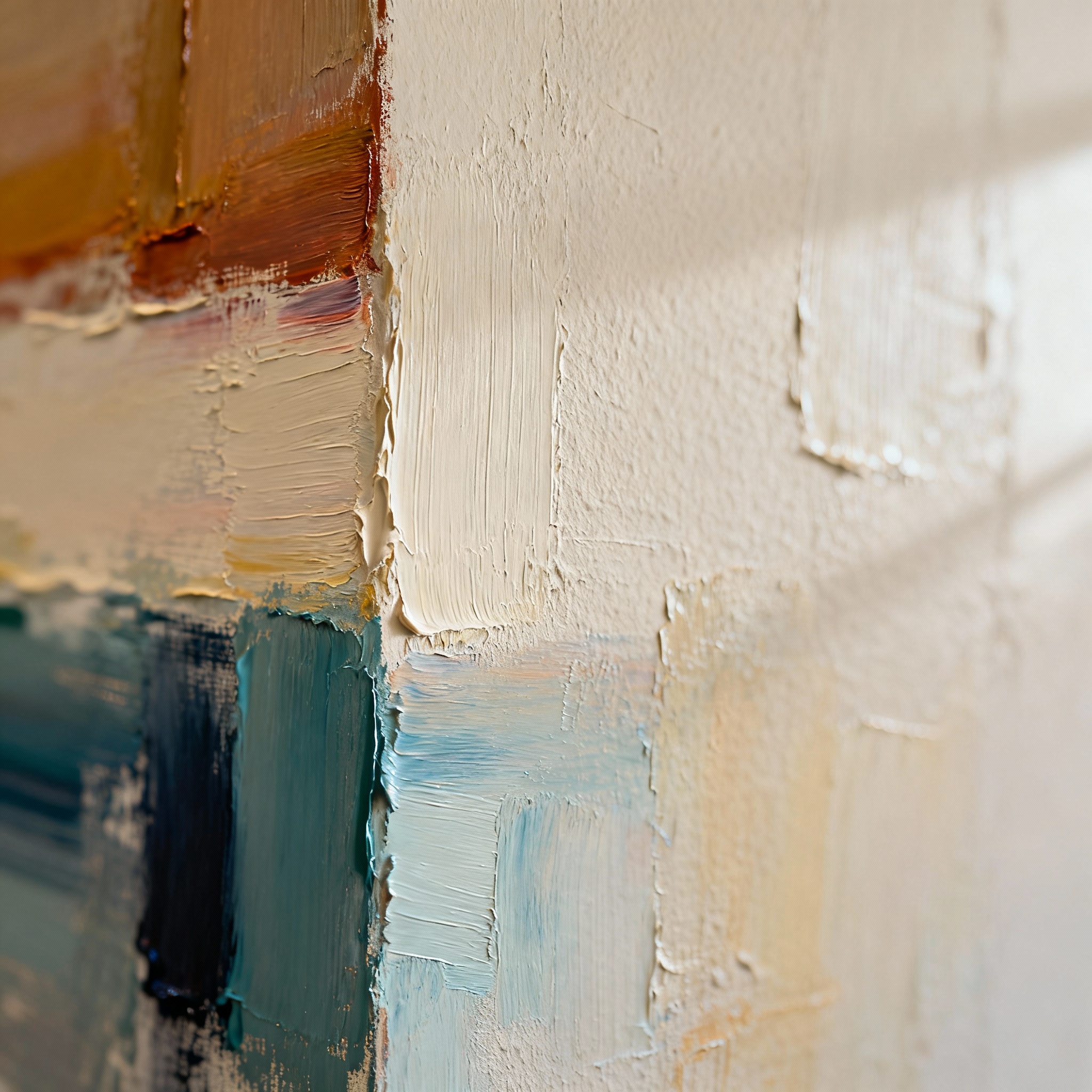
Wall Paint Preview
Discover the transformative power of AI For Home with Renovate AI's Wall Paint Preview feature. Effortlessly visualize various wall colors and finishes in your living space, allowing you to explore endless possibilities without the physical hassle. This tool ensures you find the ideal shade to enhance your existing decor, making your home a true reflection of your personal style and vision.
Feature · 03
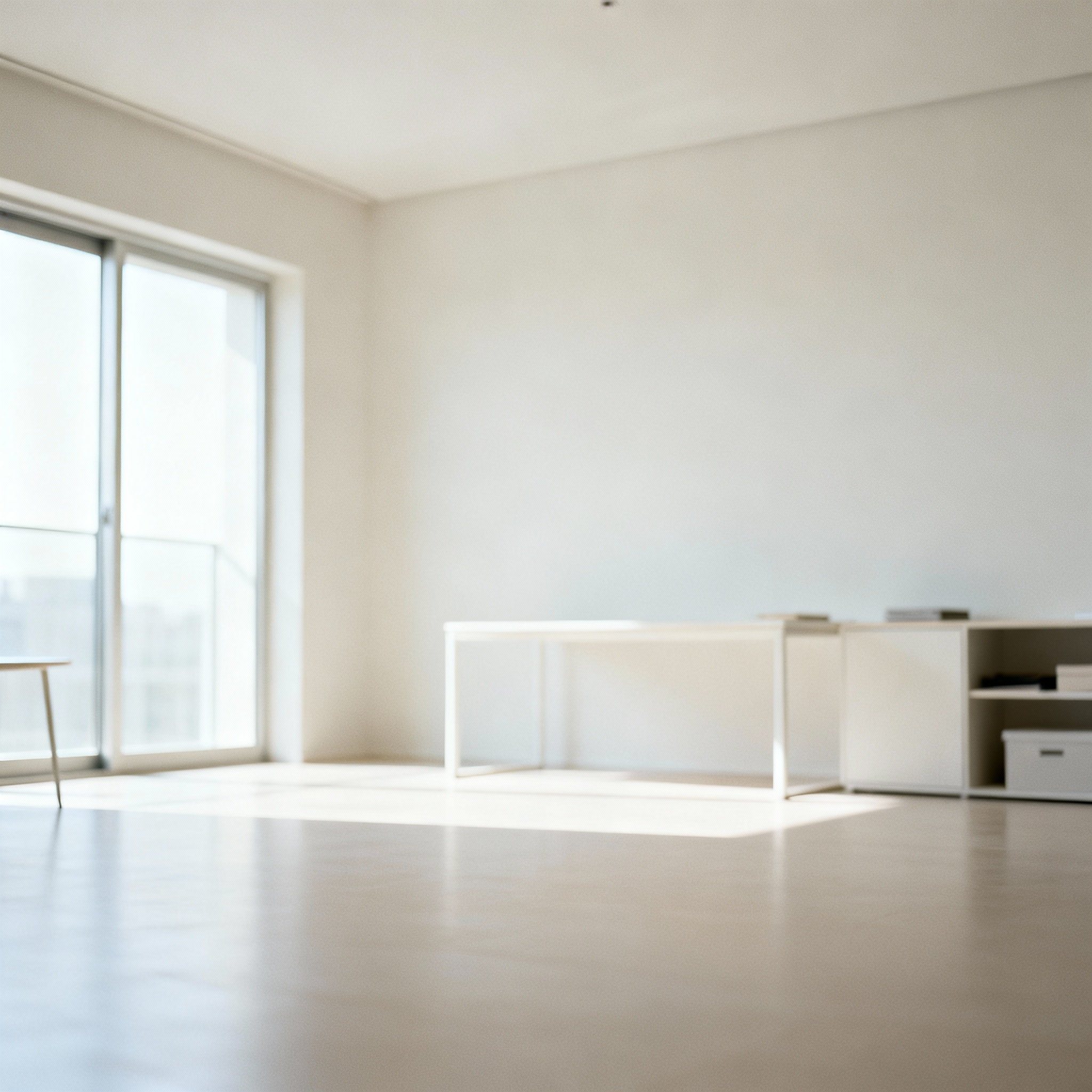
Clutter Removal
With Renovate AI's Clutter Removal feature, effortlessly transform your home photos by eliminating unwanted objects and clutter, creating a clean and organized appearance. This capability ensures that your spaces are presented in their best light, enhancing their appeal and allowing potential buyers or guests to envision the full potential of the area. Experience the benefits of a pristine environment with just a few clicks.
Feature · 04
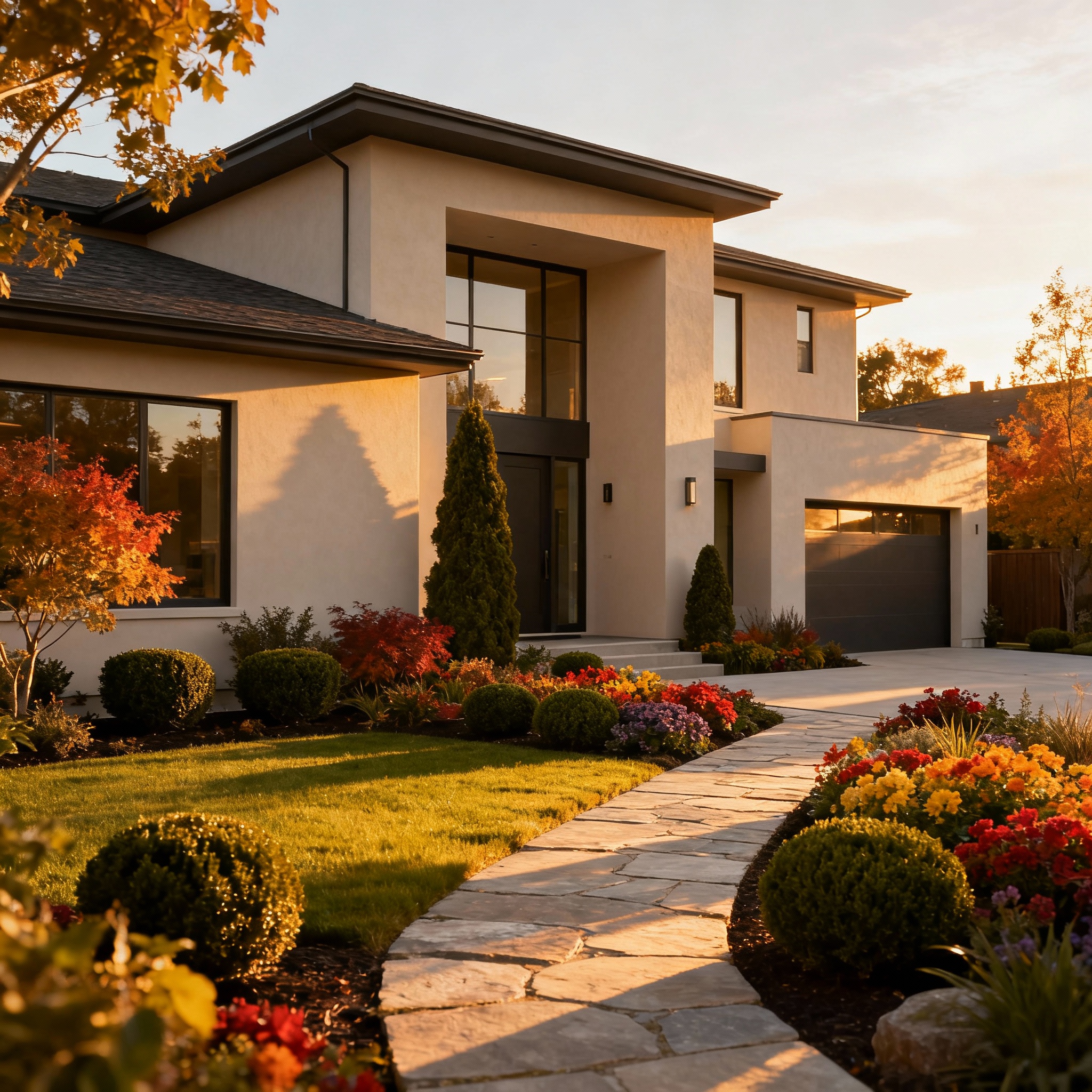
Exterior Transformations
Experience the power of AI for Home with Renovate AI's Exterior Transformations feature. Seamlessly revitalize your home's exterior using advanced AI-driven tools that offer virtual staging, sophisticated wall paint options, and meticulous clean-up. Elevate your property's curb appeal by visualizing landscaping and facade enhancements, allowing you to make informed decisions with confidence before committing to any physical changes.
— FAQ
AI For Home,
answered.
Updated April 2026
Renovate AI uses cutting-edge algorithms to create concept visualizations from your photos, offering features like virtual staging and wall paint previews.
Yes, Renovate AI is perfect for both personal and commercial projects, including real estate and interior design.
Yes, Renovate AI offers a free trial to explore its features before committing to a plan.
No, the visualizations are for concept purposes only and are not suitable for construction or engineering use.
Yes, you can transform your home's exterior with visualizations that include landscaping and facade updates.
AI For Home
is a render away.
Start for free — no card, no commitment. See your space the way it could be, before you commit to the way it will be.
Try AI For Home free →Available on the App Store — Android coming soon.
Free trial
See your space