
Kitchen Design
Kitchen Renovation
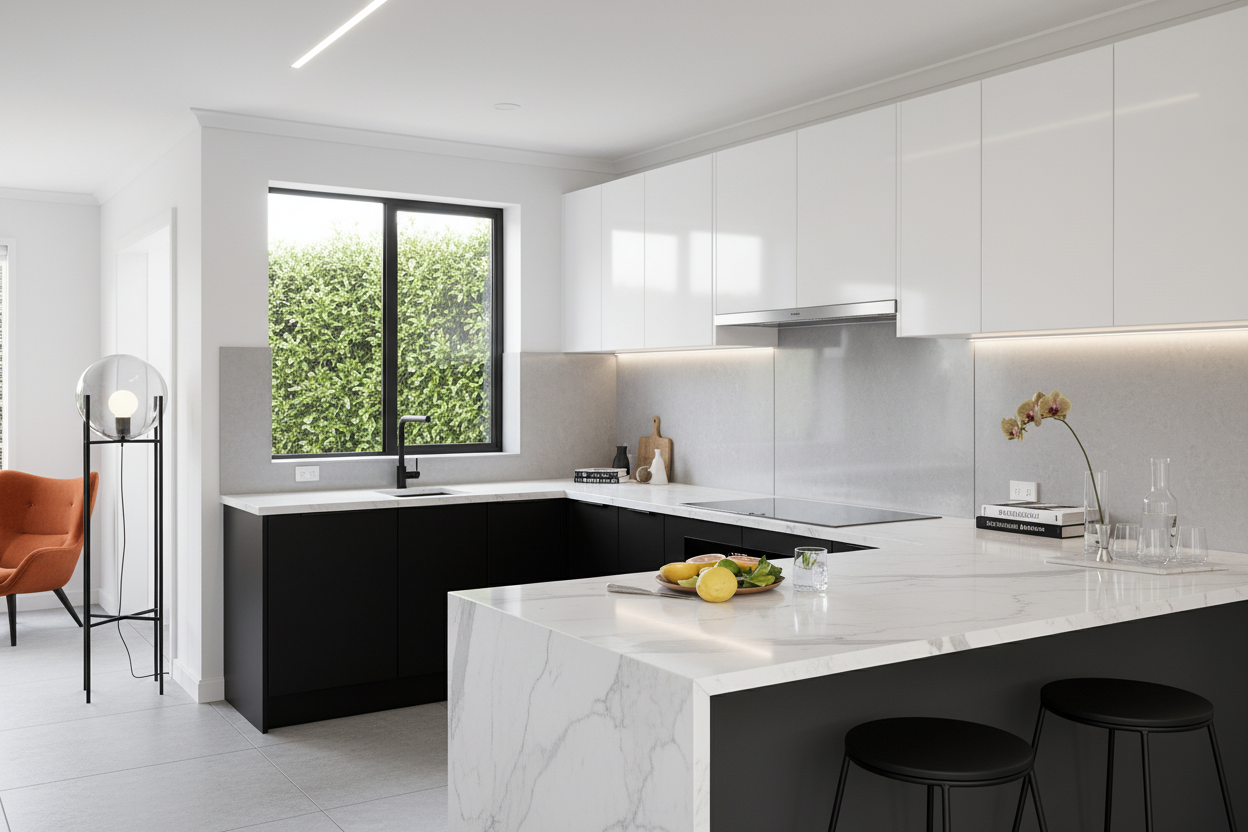
Elevate your kitchen renovation experience with Renovate AI. Transform your kitchen design effortlessly by uploading a photo, selecting a style, and witnessing an instant transformation.
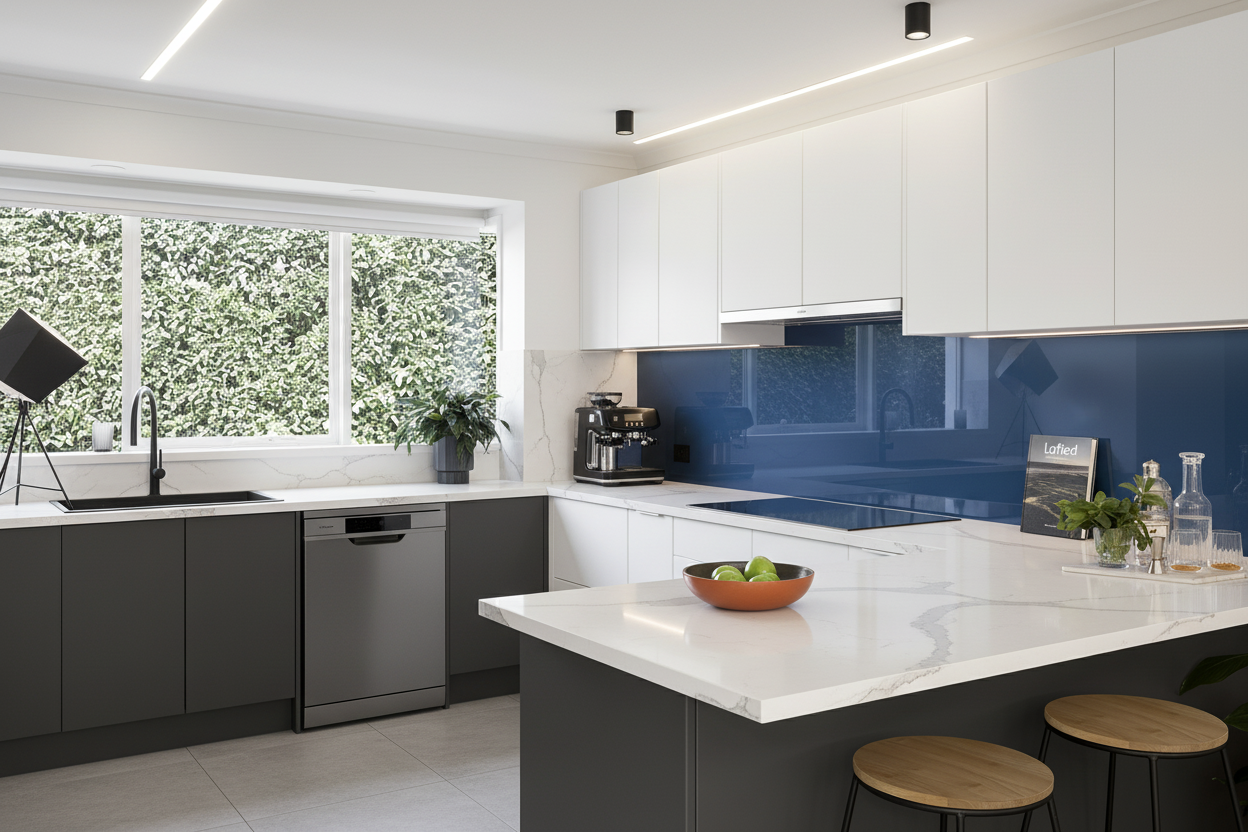
— How to use
Three steps,
start to finish.
No CAD training, no mood-boarding rabbit holes. A photo in, a photoreal render out.
01
Capture Your Kitchen
Take a well-lit photo of your kitchen. Ensure all key elements like cabinets, countertops, and appliances are in the frame for a comprehensive renovation visualization.
02
Select Your Style
Browse through a variety of kitchen design styles. Choose one that aligns with your vision for a fresh, modern look.
03
See Instant Results
Watch as Renovate AI instantly transforms your kitchen, providing a stunning visualization of your potential renovation.
— Pro tips
Better briefs,
better renders.
Six habits that consistently produce sharper, more believable, more useful output.
Tip · 01
Use high-quality photos
Upload sharp images shot at 1024px or larger. Well-lit, in-focus photos produce sharper, more realistic output.
Tip · 02
Lighting matters
Even, natural daylight reads best. Avoid harsh shadows or overly dark corners — the model infers material from light.
Tip · 03
Try multiple styles
Run the same room through two or three directions before locking one. You often discover a look you hadn't imagined.
Tip · 04
Clear the clutter
Minimal clutter lets the model understand room structure. Tidy visible surfaces before you shoot.
Tip · 05
Shoot multiple angles
Generate from the door, from the window, from the corner. The best angle is rarely the first one you try.
Tip · 06
Save and compare
Keep a project for each space. Compare variants side-by-side, share them with contractors, and refine from there.
— Features
Everything you
need, nothing you
don't.
Capabilities designed to move a single decision from guesswork to clarity.
Feature · 01
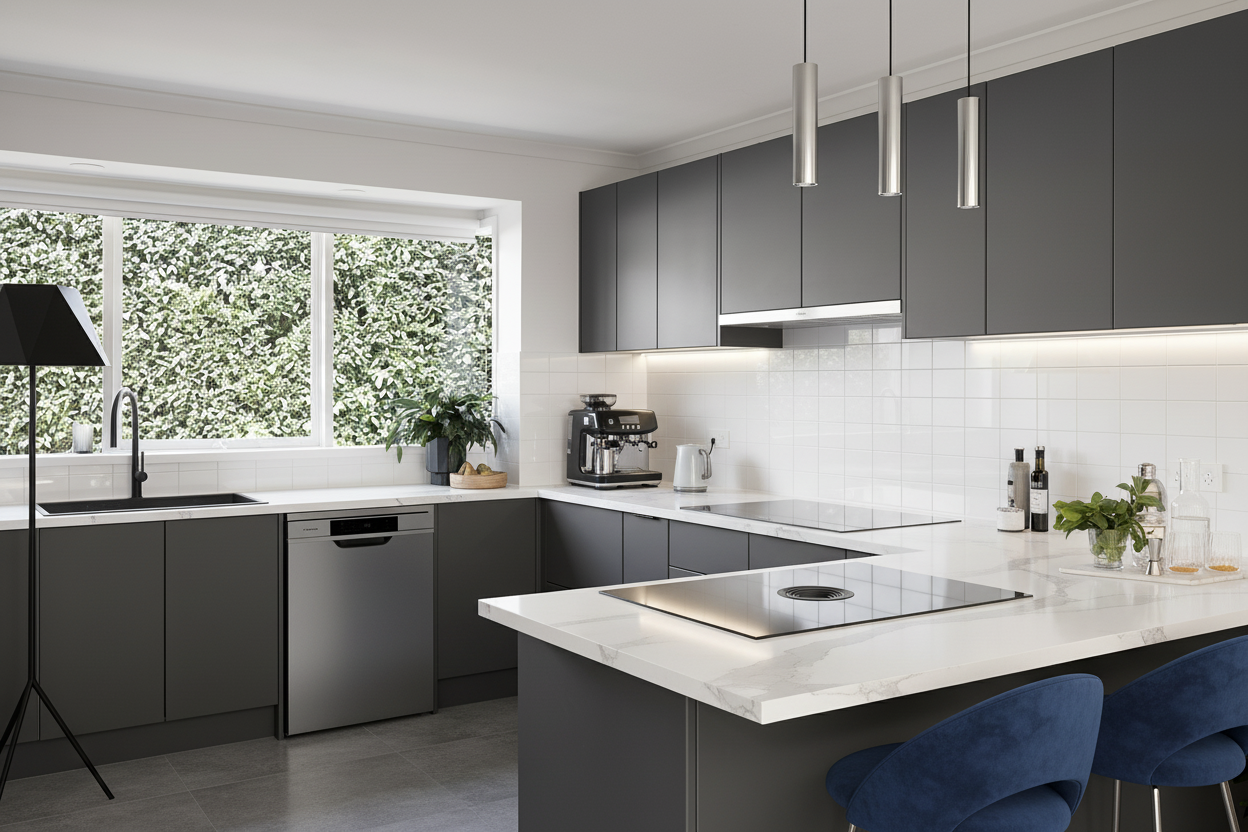
Virtual Staging
Visualize your kitchen with different layouts and furniture placements to find the perfect fit for your space.
Feature · 02
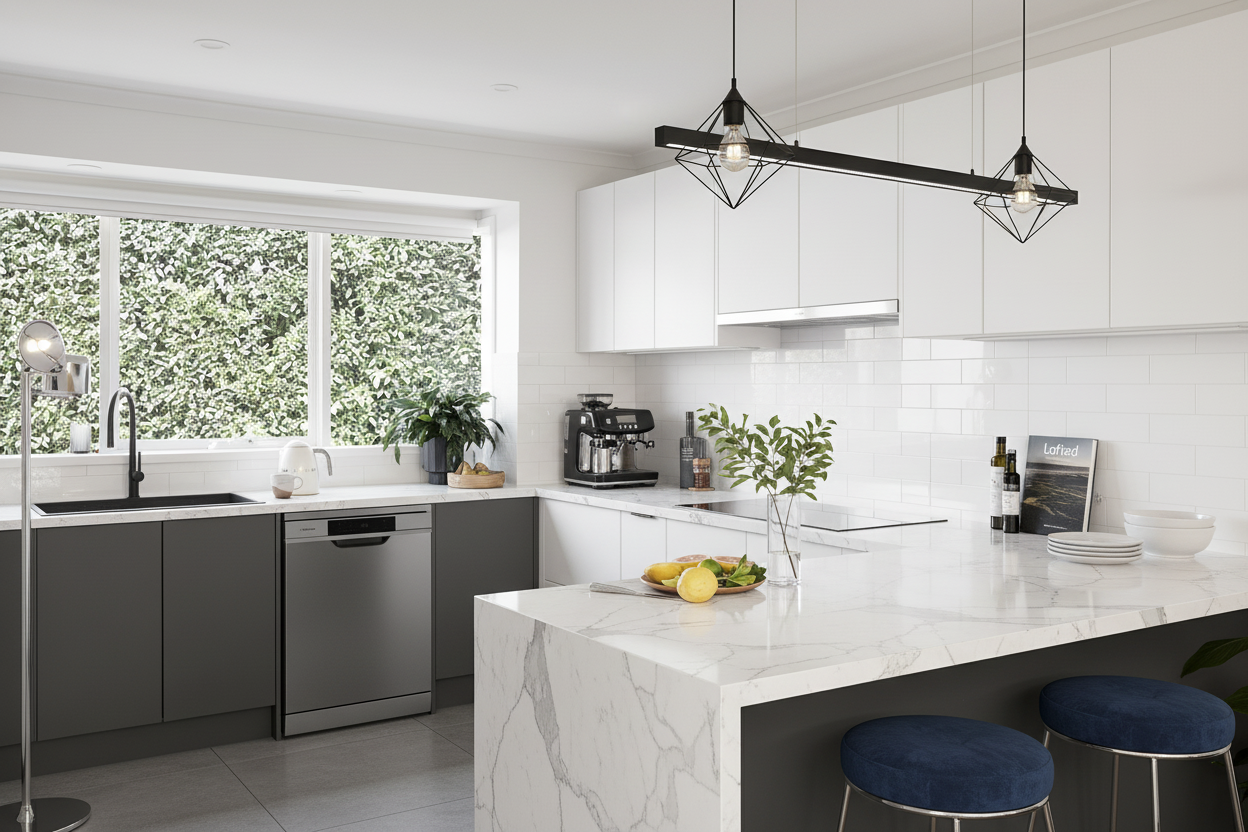
Wall Paint Preview
Experiment with different wall colors and finishes to see what complements your kitchen design best.
Feature · 03
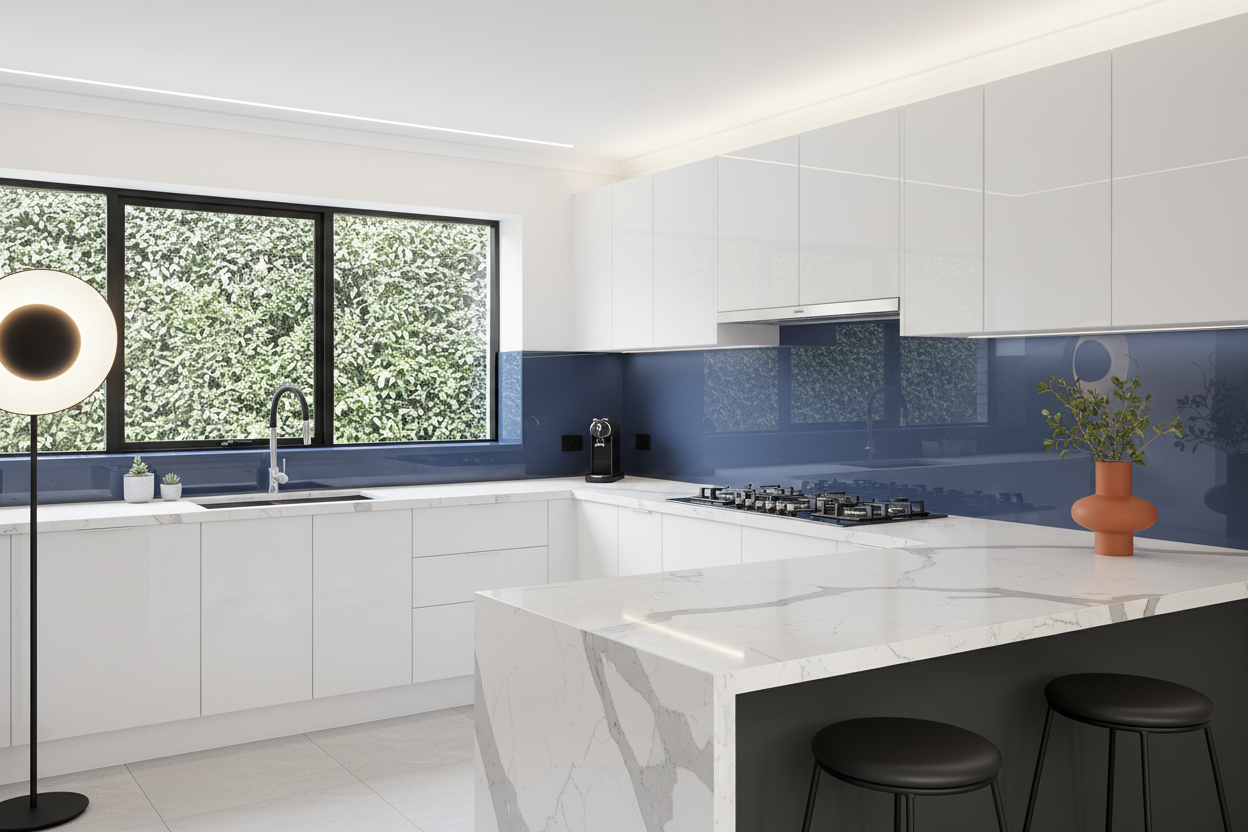
Clutter Removal
Instantly clean up your kitchen space by removing unwanted objects for a clearer renovation perspective.
Feature · 04
Upscaling
Enhance the quality and detail of your kitchen images, ensuring every element is captured beautifully.
— FAQ
Kitchen Renovation,
answered.
Updated April 2026
Renovate AI allows you to visualize kitchen design changes instantly, helping you make informed renovation decisions quickly.
Yes, Renovate AI offers a wall paint preview feature to experiment with various colors and finishes for your kitchen walls.
Yes, Renovate AI offers a free trial so you can explore the kitchen renovation capabilities risk-free.
Absolutely, Renovate AI includes a clutter removal feature to help visualize a cleaner kitchen space.
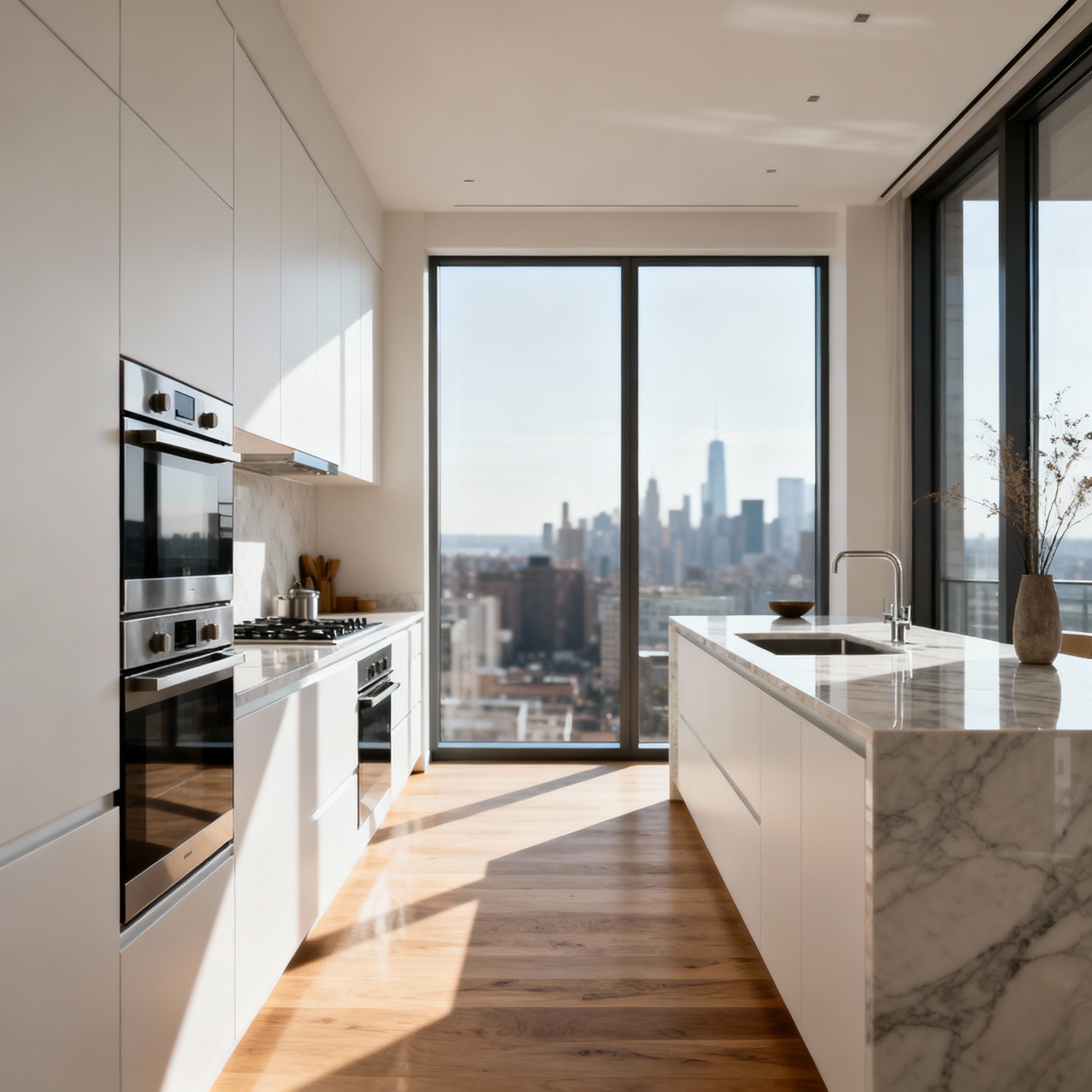
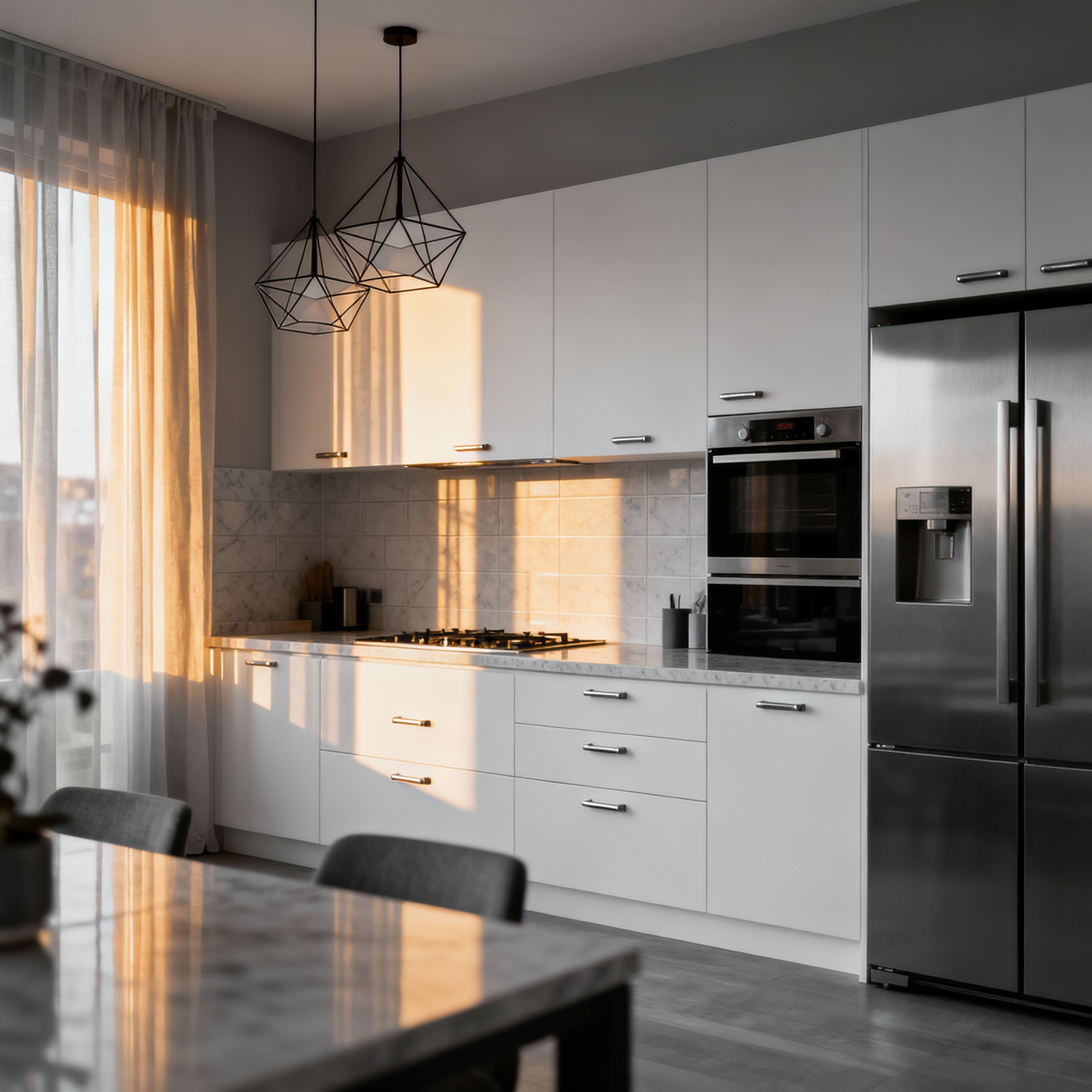
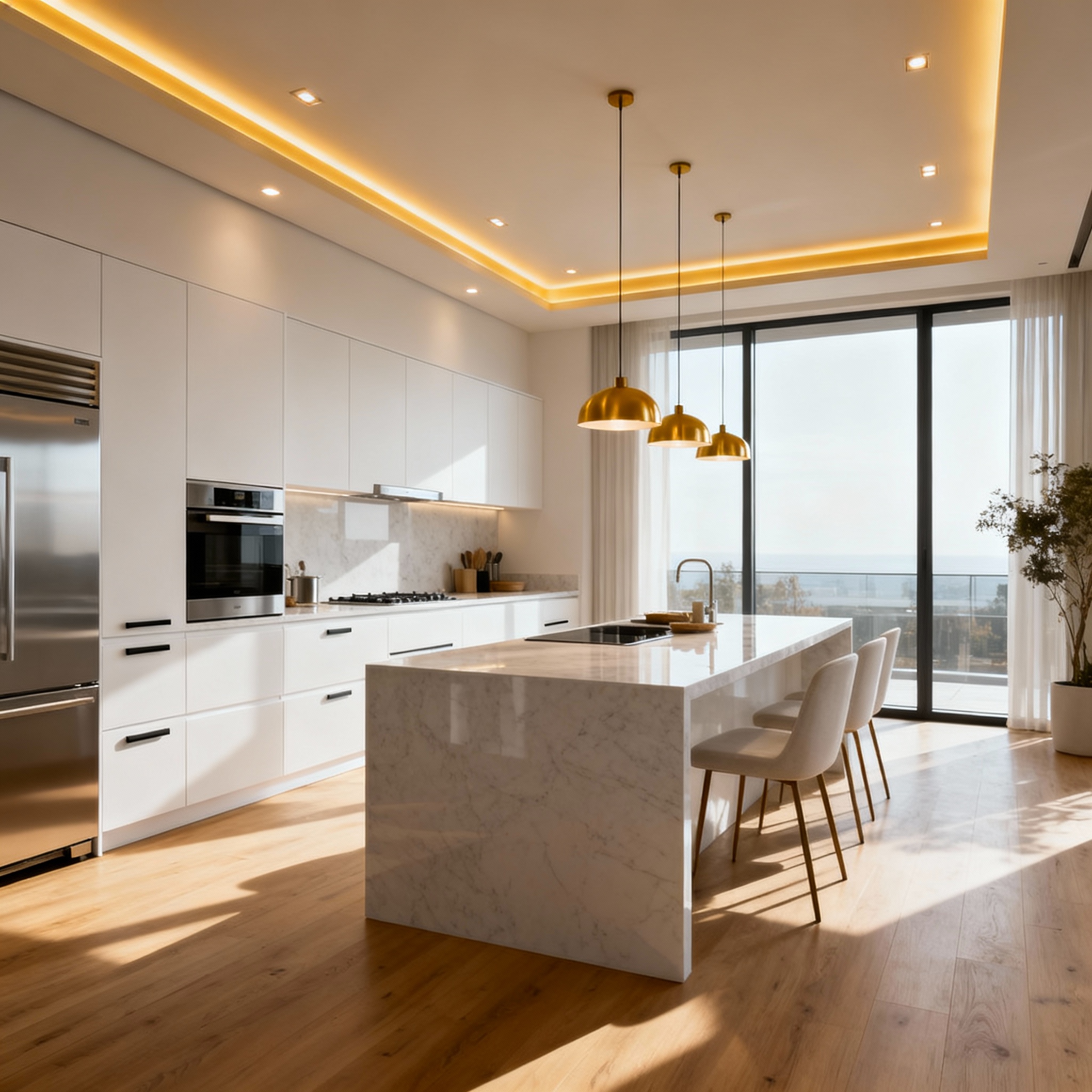
Renovate AI provides a wide range of kitchen styles, from modern and sleek to classic and cozy, catering to diverse design preferences.
Kitchen Renovation
is a render away.
Start for free — no card, no commitment. See your space the way it could be, before you commit to the way it will be.
Try Kitchen Renovation free →Available on the App Store — Android coming soon.
Free trial
See your space