
Interior Design
Modern Interior Design
See your room restyled in a modern look from one photo. Clean lines, warm neutrals, and mixed textures rendered in under a minute so you can lock the style before you buy.

— How to use
Three steps,
start to finish.
No CAD training, no mood-boarding rabbit holes. A photo in, a photoreal render out.
01
Photograph the room from a corner
Stand in one corner, frame the opposite wall, and include the full floor and ceiling. One clear wide shot gives the AI enough footprint and light to restyle the whole space.
02
Pick a modern direction
Choose warm modern, minimalist, Japandi, or modern organic. Name the piece you care most about, such as the sofa or feature wall, so the render prioritizes the look you want there.
03
Compare, refine, and save
Flip between the original and the restyled render, adjust palette or materials in plain language, and save the version you want to take into shopping or a contractor brief.
— Pro tips
Better briefs,
better renders.
Six habits that consistently produce sharper, more believable, more useful output.
Tip · 01
Use high-quality photos
Upload sharp images shot at 1024px or larger. Well-lit, in-focus photos produce sharper, more realistic output.
Tip · 02
Lighting matters
Even, natural daylight reads best. Avoid harsh shadows or overly dark corners — the model infers material from light.
Tip · 03
Try multiple styles
Run the same room through two or three directions before locking one. You often discover a look you hadn't imagined.
Tip · 04
Clear the clutter
Minimal clutter lets the model understand room structure. Tidy visible surfaces before you shoot.
Tip · 05
Shoot multiple angles
Generate from the door, from the window, from the corner. The best angle is rarely the first one you try.
Tip · 06
Save and compare
Keep a project for each space. Compare variants side-by-side, share them with contractors, and refine from there.
— Features
Everything you
need, nothing you
don't.
Capabilities designed to move a single decision from guesswork to clarity.
Feature · 01
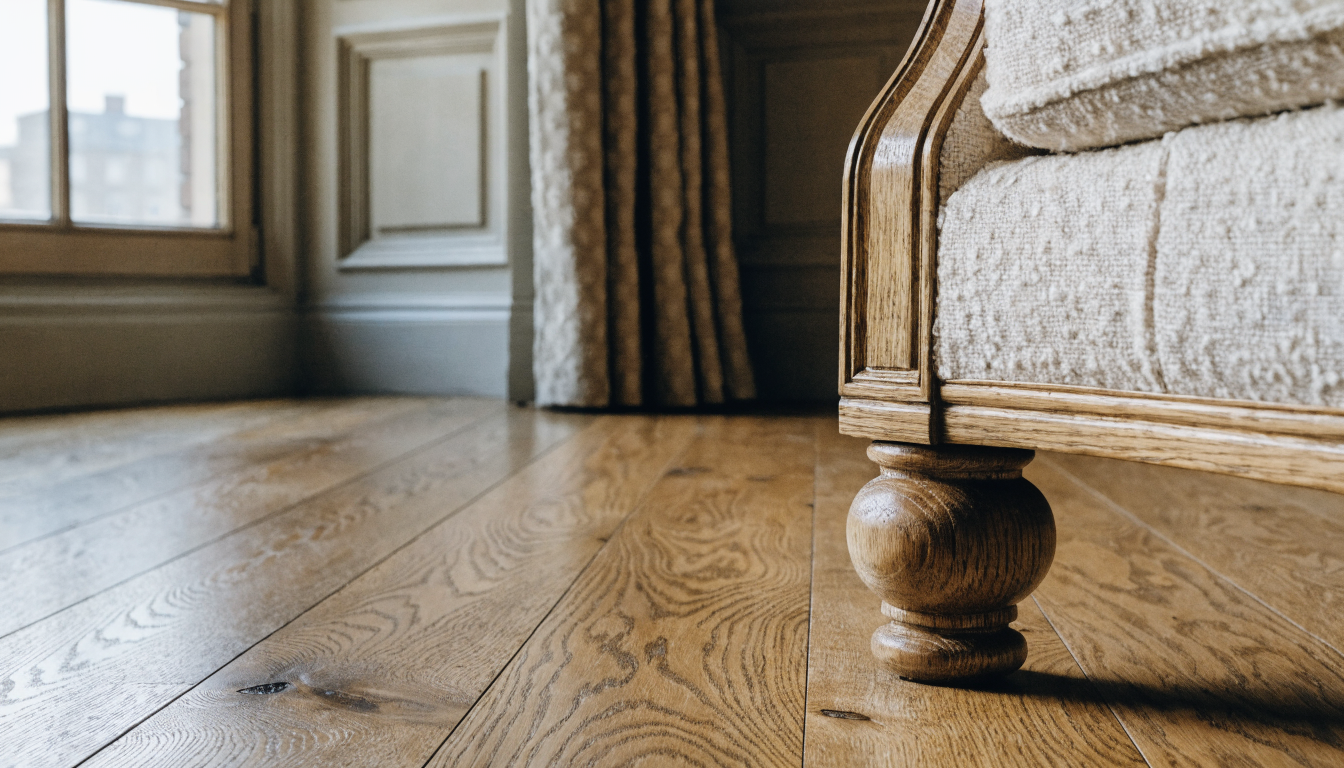
Restyle your room in a modern look from one photo
Upload a single photo of your room and get a modern render back in under a minute. Faster than whole-home tools like the home redesign AI when you only need one space changed.
Feature · 02
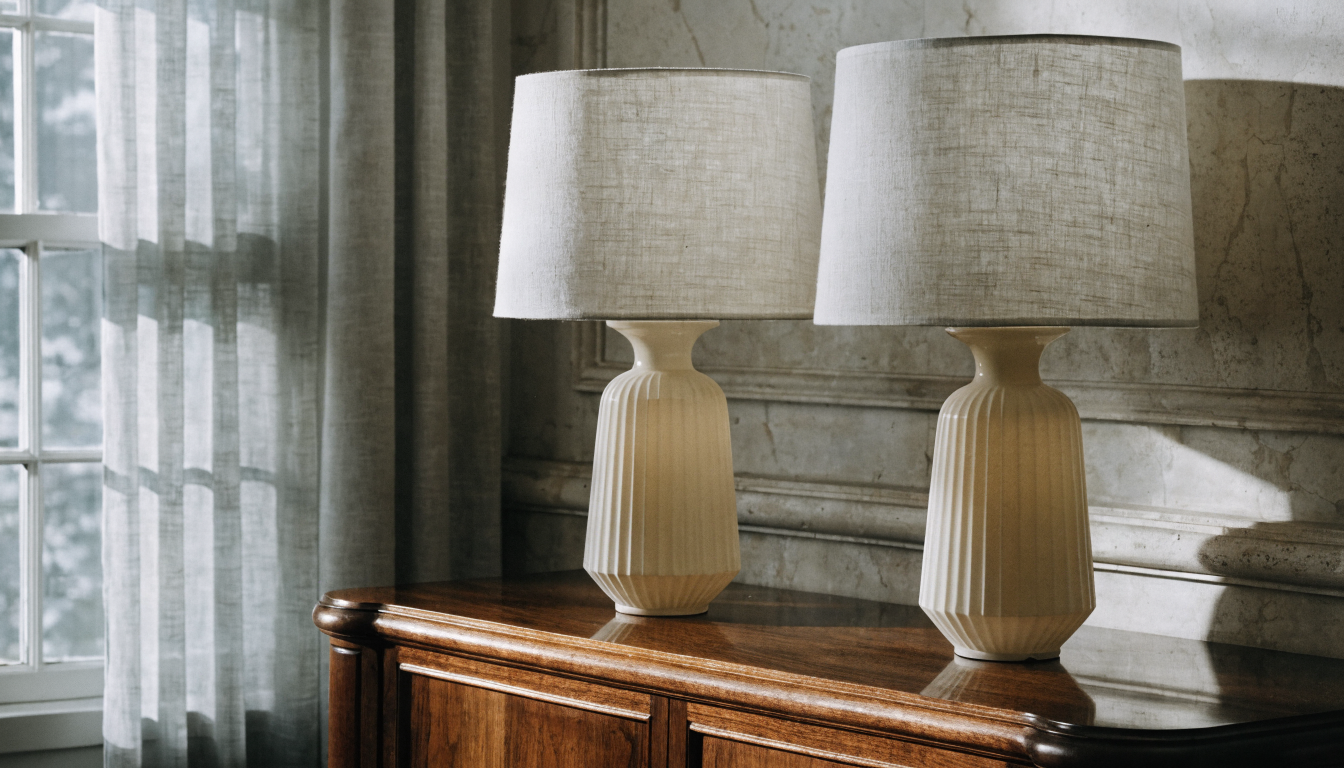
Pick from multiple modern aesthetics
Warm modern, minimalist, Japandi, and modern organic come out of the same photo, so you can compare the looks before committing. Works the same way as the room visualizer tool for single-space iteration.
Feature · 03
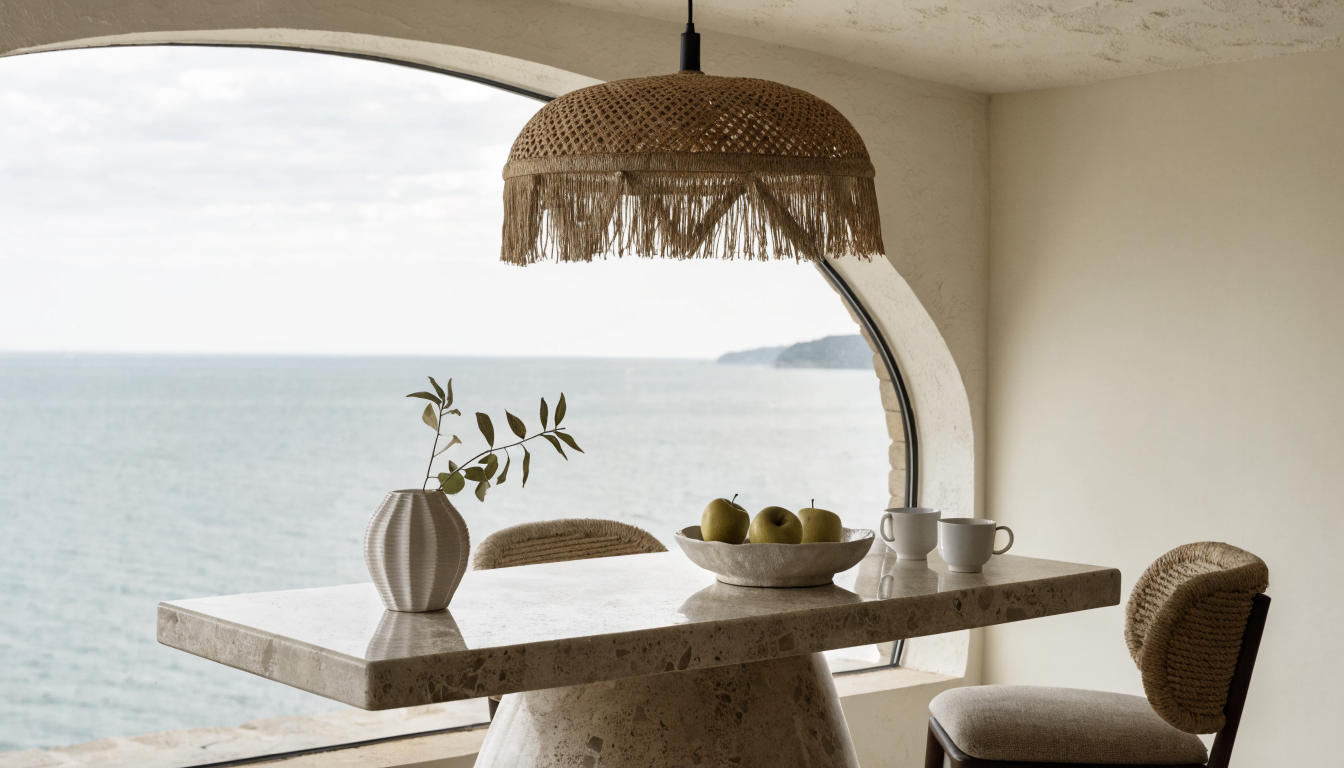
Edit the render in plain language
Type what you want different. Lighter oak, a bouclé chair instead of leather, a darker accent wall, and the render updates without redrawing the room in the AI interior design workspace.
Feature · 04
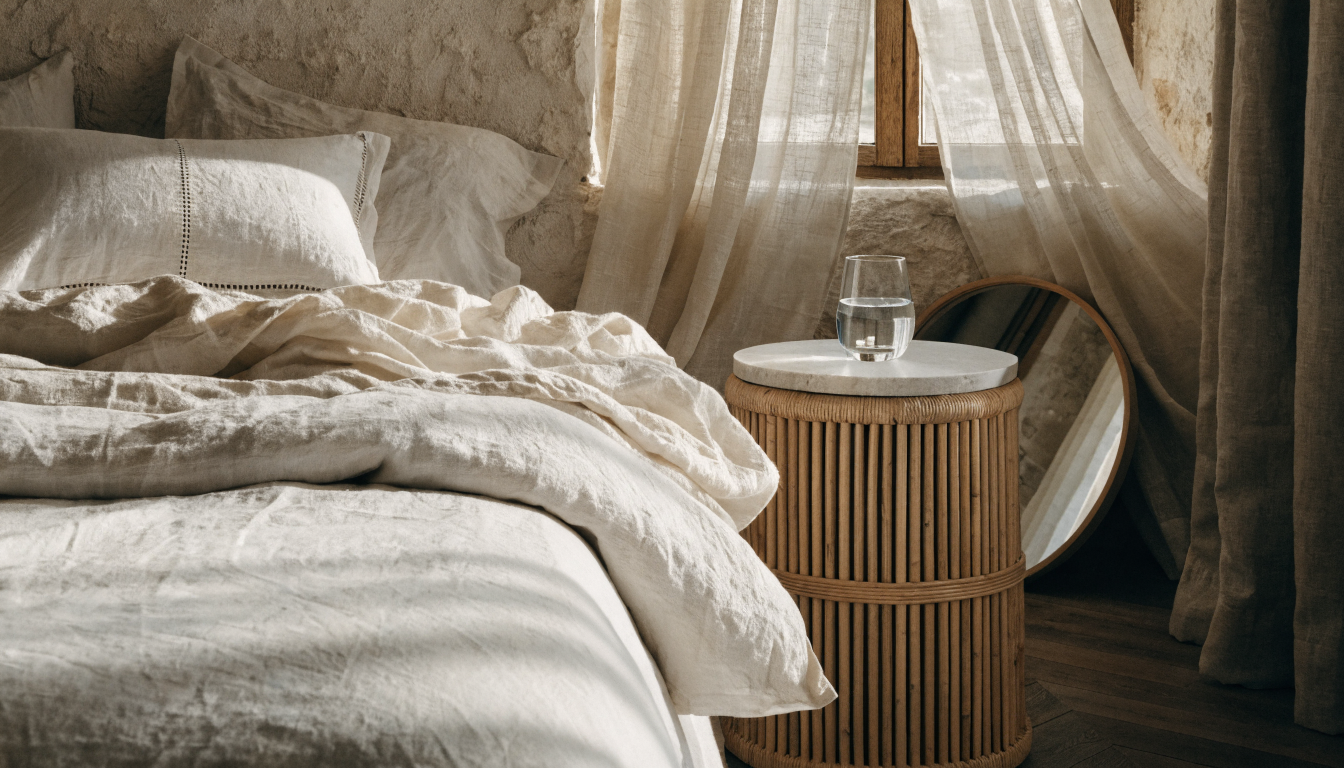
Keep the modern style consistent across rooms
Lock a palette on your living room and carry the same tones into the bedroom and dining area. Pairs well with the design your own rooms tool for multi-room planning.
Feature · 05
Take the modern render into shopping or staging
Use the final render as the visual brief for buying furniture or staging a listing. Works hand in hand with the redecorate room tool when you want lighter, faster refreshes.
— FAQ
Modern Interior Design AI,
answered.
Updated April 2026
Modern in 2026 leans warm. Think soft neutrals, mixed wood tones, bouclé and linen textures, curved silhouettes, and a few statement pieces. It is less stark than minimalism and more layered than mid-century, while keeping clean lines throughout.
The model is trained on thousands of modern interiors across warm modern, minimalist, Japandi, and modern organic styles. It reads your room photo for layout and light, then applies the style library to produce a coherent render of your actual space.
Yes. You can choose warm modern, minimalist, Japandi, or modern organic at the start, and tweak further with prompts. Generate a few side by side so you can compare the looks on the same room before you lock a direction.
By default it restyles around your layout. Same wall positions, same windows, same footprint. Ask for layout changes in the prompt if you want the sofa moved, a wall opened up, or the dining table rotated before shopping.
One at a time through this page, and you can run the tool across every room in the house. Upload a new photo for each space and carry the palette forward so the modern look feels consistent from the living room to the bedroom.
Yes, as a visual shopping brief. The render gives you silhouettes, colors, and materials to match at the retailer of your choice. You will not get exact SKU matches, but the look holds up as a reference for sofas, rugs, and lighting.
No. You upload a photo, pick a style, and the render handles the rest. If you want to refine further, type plain-language edits. People with zero design background and professional stagers both use the same loop to land on a final look.


Modern Interior Design AI
is a render away.
Start for free — no card, no commitment. See your space the way it could be, before you commit to the way it will be.
Try Modern Interior Design AI free →Available on the App Store — Android coming soon.
Free trial
See your space