
Best Free AI Home Exterior Design Tools With No Login in 2026

Picture your house at golden hour, the siding swapped for charred timber, the trim softened to bone white, a quiet rethink of proportion and palette. That kind of visualization used to take a draftsperson and a week. Today, AI Renovation and a handful of peers let you upload a single photo and watch your facade reimagined in seconds, with no account, no credit card, and no email wall. This guide ranks the best free no-login exterior AI tools by realism, style depth, and true zero-cost access.
How We Ranked These Tools

Every tool was measured against the same five criteria, applied in the same order, with the same reference photo of a 1970s ranch house. The goal was a fair, repeatable test, not a marketing roundup. We wanted to know which tools genuinely let a curious homeowner sketch a renovation idea in the time it takes to make coffee.
- No mandatory account creation at the point of first render.
- Output realism, judged on facade texture, light, and structural fidelity.
- Style variety, counted as distinct named architectural styles.
- Free generation limits, with unlimited preferred over credit-gated.
- Download access without a paywall or surprise sign-up.
Only tools that produced at least one usable render without an email or card were shortlisted. We then re-uploaded the same image to each, applied a comparable modern farmhouse prompt, and noted render time. The fastest returned results in under three seconds; the slower ones averaged ten to fifteen. Our ranking framework draws on the same approach used for AI rendering quality benchmarks, with style coverage weighted heavily for users planning a real renovation.
Takeaway: A tool that demands an account before the first render is not, by any honest measure, free.
Quick Summary of the Best Free No-Login Exterior AI Tools
A short list, ordered by overall fit for the no-login homeowner. Each pick is described in depth further down; this is the at-a-glance shape of the field.
- AI Renovation — Best Overall. Balanced realism, deep style library, no account for first renders.
- Floor-plan.ai — Best for Speed. Sub-three-second renders, credit-based free tier.
- MyArchitectAI — Best for Unlimited Free Renders. Full commercial licence, no sign-up.
- RoomDesign.io — Best for Ease of Use. 4.9-star rating, 50,000+ rooms designed, 16 MB uploads.
- DeHome.ai — Best for Before/After Visualization. Comparison slider, 4-credit free tier.
- Luw.ai — Best Full Design Suite. Exterior AI V2 module, 25 million designs generated.
Together these six cover the practical range of free exterior design tools a homeowner is likely to encounter when researching curb appeal projects in 2026.
At a Glance Comparison Table
The table below distils the headline differences. All six offer a free tier with no mandatory account at first use, but the fine print on downloads and licences varies. This is the section to revisit if you are weighing free versus paid trade-offs before committing time to one platform.
| Tool | Free Tier | Styles | No-Login Render | Download Free | Commercial Licence |
|---|---|---|---|---|---|
| AI Renovation | Yes | 30+ | Yes | Yes | Check terms |
| Floor-plan.ai | Credit-based | 30+ | Yes | Limited | Not stated |
| MyArchitectAI | Unlimited | Open prompt | Yes | Yes | Yes, full |
| RoomDesign.io | Yes | 6 named | Yes | Yes | Not stated |
| DeHome.ai | 4 credits/gen | 6+ | Yes | Yes | Not stated |
| Luw.ai | Yes | Open prompt | Yes | Yes | Not stated |
Takeaway: Only MyArchitectAI explicitly grants a full commercial licence on free outputs, which matters if the render is bound for a listing or a client deck.
Top Free No-Login AI Exterior Design Tools Reviewed

Below, each pick gets a closer read: what it does well, where it stumbles, and the kind of project it suits. Think of this as a designer's notebook rather than a spec sheet.
1. AI Renovation — Best Overall
AI Renovation pairs photorealistic output with a broad style library and, crucially, does not gate the first render behind an account. Upload a front-facing photo, choose a style from modern farmhouse to Mediterranean, and a coherent facade returns in roughly ten seconds with rooflines and window placement preserved. It is the most accessible entry point for homeowners who want to test a finish or a palette before calling a contractor. Its exterior visualization features handle the brief well, especially for users curious about facade visualization.
*Weakness:* HD downloads may require sign-up on certain styles.
2. Floor-plan.ai — Best for Speed
Floor-plan.ai claims a neural network trained on over one million building images and returns renders in under three seconds, which is faster than every other tool in this round-up. New users receive free credits before any payment prompt, and the style menu spans 30-plus named aesthetics, including Tudor, Prairie, Dutch Colonial Revival, and Greek Revival. It is the right pick if you want to explore many styles in a single sitting.
*Weakness:* Credits deplete quickly if you iterate aggressively on one photo.
3. MyArchitectAI — Best for Unlimited Free Renders
MyArchitectAI advertises unlimited free generations with a full commercial licence, an unusually generous combination. Its prompt examples reference architects such as SANAA and Kengo Kuma, which hints at the parametric, minimalist territory it handles best. Crucially, the platform states that generations stay private and are not shared with third parties, a point worth weighing alongside broader data privacy concerns when uploading photos of your home.
*Weakness:* Prompt-driven workflow has a steeper learning curve than dropdown-style tools.
4. RoomDesign.io — Best for Ease of Use
RoomDesign.io carries a 4.9-star user rating across more than 50,000 rooms designed and is trusted by 100-plus organizations. It supports JPG, PNG, and WebP uploads up to 16 MB and offers six clean named styles: Modern, Contemporary, Farmhouse, Colonial, Mediterranean, and Zen. The interface is the most forgiving in this list, which makes it ideal for first-timers who want results without reading documentation. It also pairs well with general photo upload guidance.
*Weakness:* Only six named styles, which is limiting for niche or historical projects.
5. DeHome.ai — Best for Before/After Visualization
DeHome.ai's signature feature is a before/after comparison slider that lets you toggle between the original facade and the redesigned version in one frame. Renders complete in ten to fifteen seconds and the free tier uses four credits per generation. The platform cites research suggesting professionally planned exterior renovations can lift market value by up to 15 percent, a useful frame when planning renovation budgets. For more on the before/after format itself, see curb appeal before-and-after technique.
*Weakness:* The credit model means free use is capped per session.
6. Luw.ai — Best Full Design Suite
Luw.ai reports more than 300,000 registered designers and 25 million designs generated across its full suite. Its Exterior AI V2 module accepts a reference photo or a text prompt and renders in roughly ten seconds, sitting alongside interior, sketch, and 3D modules. If you want one account to cover several rooms and the facade, this is the most complete AI visualization suite on the list.
*Weakness:* The breadth of modules can feel overwhelming for a single-photo task.
What to Look for in a Free AI Exterior Design Tool
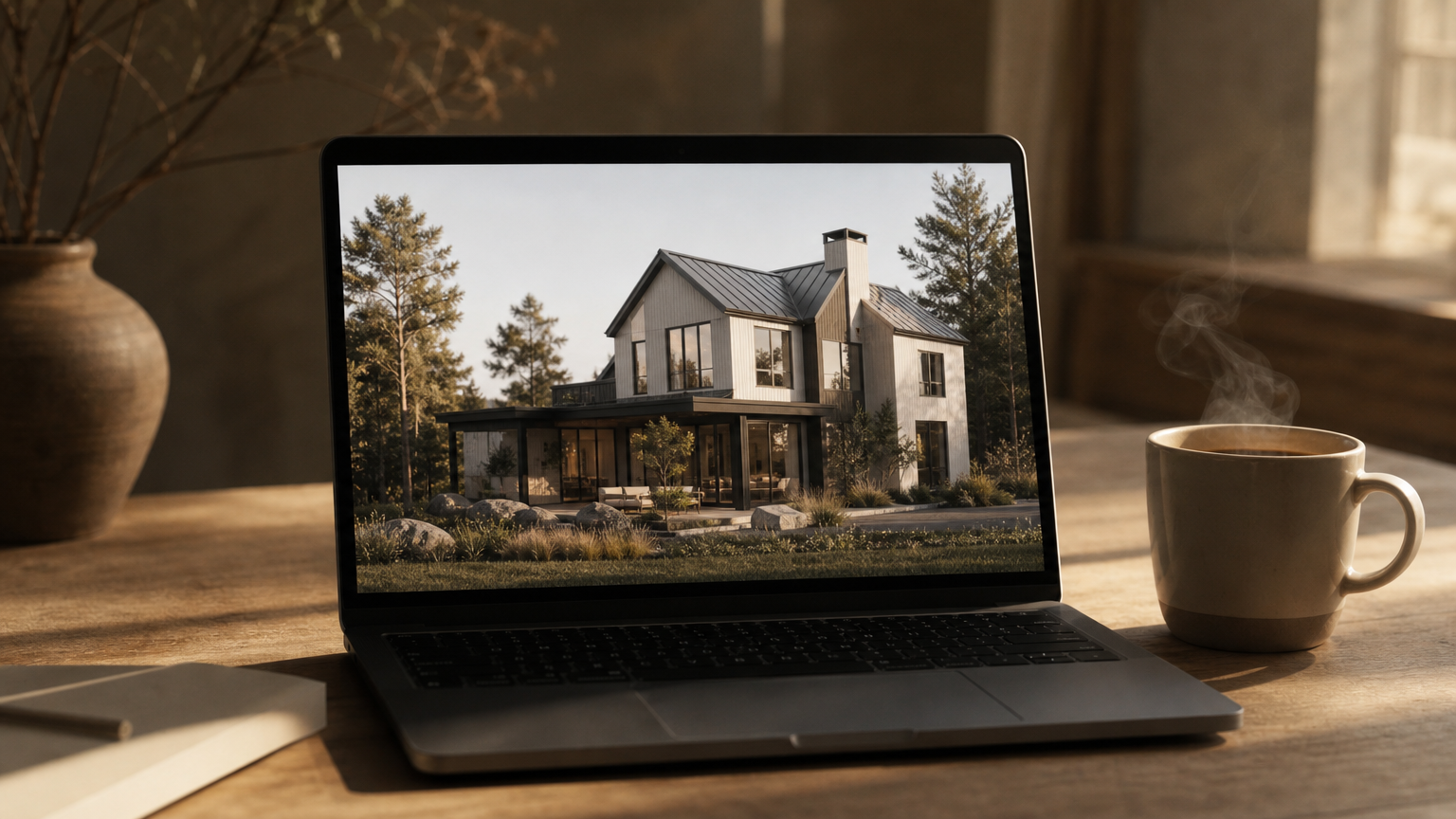
Picking a tool is less about feature counts and more about what survives the upload of your actual house. The criteria below filter the marketing from the substance. For deeper coverage, see how to evaluate free tools.
Output Realism and Structural Fidelity
The best tools preserve roofline, window placement, and proportion, swapping only surface materials and colors. If the AI moves a window or invents a dormer, the render is decorative rather than useful. Test with a clean front-facing photo and look closely at corners and eaves. The realism benchmark is whether a contractor could read the render as a brief.
Style and Material Range
Aim for at least twenty distinct architectural styles, with modern, farmhouse, colonial, craftsman, Victorian, Mediterranean, and contemporary covered as a baseline. Material range matters too: brick, stone, vinyl, wood, and stucco should all be on offer. Consult an architectural style guide if the names feel unfamiliar, and weigh the available exterior material options against your climate.
True No-Login Access and Data Privacy
True no-login access means no email, no social sign-on, and no card before the first render. Tools that delay the sign-up wall until download are partly free, not fully. Privacy is the quieter half of this question: confirm that your uploaded property photos will not be reused for third-party training, an explicit commitment from MyArchitectAI and a baseline expectation across no-login tools.
Download Quality and Commercial Use Rights
Free tiers rarely grant commercial use, which becomes a problem the moment a render lands in a listing photo or a client presentation. Verify resolution and licence terms before you download. For agents and designers, commercial use rights are often the deciding factor.
How to Choose the Right Tool for Your Project

The right pick depends less on the tool and more on the project sitting in front of you. A homeowner sketching a weekend repaint has different needs from an agent staging a listing.
- DIY renovators benefit most from before/after sliders and material swaps; DeHome.ai is the natural fit for clear contractor conversations.
- Home sellers should prioritize realistic lighting and fast turnaround, because perceived facade value influences buyer interest. See seller-side curb appeal.
- Design professionals need explicit commercial licences; MyArchitectAI is the clearest option among free no-login tools, and a useful entry to broader professional design workflows.
- Concept explorers should favor unlimited free generations over credit models, especially during early-stage renovation project planning.
- Anyone making structural changes should verify local rules; these tools render aesthetics, not building code compliance.
For context on how renovations translate into resale, the National Association of Realtors' Remodeling Impact Report tracks return on common exterior projects.
Frequently Asked Questions
Can I use AI to design my home exterior for free without creating an account?
Yes. Tools including AI Renovation, MyArchitectAI, RoomDesign.io, and Luw.ai allow at least one full render with no email or card. Verify the free-tier terms before downloading, since sign-up walls sometimes appear at export.
Which free AI exterior design tool produces the most realistic results?
In side-by-side testing, AI Renovation and MyArchitectAI produced the most structurally faithful renders, preserving rooflines and window placement while changing materials. Results vary with photo quality, so a clean front-facing shot meaningfully improves output realism.
Do these free AI exterior design tools let me download the images?
Most do, including MyArchitectAI, RoomDesign.io, and Luw.ai. Some tools restrict HD downloads to paid tiers or require sign-up at export. Always confirm the download terms before investing time in a particular render.
Can I use AI-generated exterior design images with my contractor?
Yes, and contractors generally welcome them as a visual brief. Share the original photo alongside the AI render so the structure is clear, and treat the image as concept art rather than a build document for contractor handoff.
How many architectural styles do free AI exterior design tools support?
Style counts range from six named styles on RoomDesign.io to more than thirty on Floor-plan.ai and AI Renovation. Prompt-driven tools such as MyArchitectAI are effectively open-ended. Match the count to your project rather than chasing the deepest style library.
Are uploaded house photos kept private on free AI design tools?
Policies vary. MyArchitectAI explicitly states generations stay private and are not shared with third parties. Other tools are less clear, so review each platform's privacy statement before uploading, particularly if you have broader data privacy concerns.
Will AI exterior design work for any type of house style?
Most tools handle modern, traditional, colonial, craftsman, Victorian, and contemporary homes well. Highly unusual or historical facades may render less accurately. A clear front-facing photo and a specific style prompt produce the most reliable facade results.
Do free AI exterior design tools consider local building codes?
No. These tools generate aesthetic visualizations only and do not assess structural feasibility or regulatory compliance. Always verify permits and code requirements with your local authority before acting on any render, particularly for structural changes.
A Quiet Note on Where to Start
The pleasure of these tools is small and specific: the moment a familiar facade returns in a new palette, and you see your house as a possibility rather than a finished thing. Start with one clean photo, two contrasting styles, and an unhurried afternoon. AI Renovation is the easiest place to begin, and the rest of the list is there when you want a second opinion. Whatever the project, let the render serve the idea, not the other way around.
---
*Built with The SEO Agent.*
Ready to get started? Try our Exterior House Remodel App, or Home Exterior Design AI.